How to Start a YouTube Channel
A guide to Planning Your Channel Strategy, Creating Your First Content, Optimizing Your Channel Presentation, Growing Your Audience, Scaling Your Channel
A channel is a promise about what the next video will be. Most new channels fail because the promise is vague, the first ten videos experiment with different formats, and the upload schedule is set by enthusiasm rather than by available time. This guide fixes the premise, the workflow and the cadence before the first upload. For the audio-only version, see Start a Podcast.
Define one viewer and one repeatable format, then publish ten videos before judging results. Film with the phone you own, learn one editing app, and keep a title and thumbnail template so each upload takes less time than the last. A sustainable cadence is one video a week; consistency beats production value at the start. Check YouTube's monetisation thresholds and local disclosure rules before planning income.
- Time
- 4–8 hours per video at first
- Cost
- $0–$300 starter kit
- Difficulty
- Moderate
- People
- 1–2
- Space
- A quiet corner with good light
- Tools
- Phone or camera, microphone, editing app, tripod
How do you start a YouTube Channel?
 Howcompass | How to Start a YouTube Channel
Planning Your Channel Strategy
HowcompassResearch Your Target Audience
Before you create anything, understand exactly who you want to reach. Use YouTube Analytics and community forums to identify viewer demographics, preferences, and pain points in your niche. Survey potential viewers on Reddit, Quora, or Discord communities to learn what content they are hungry for. The more specific your audience research, the easier it is to create content that resonates and retains viewers.
 Howcompass
Define Your Channel Concept
Clarify what your channel will be about and what makes it unique. Write a one-sentence channel mission statement — for example, 'We help beginner photographers improve their skills with practical, jargon-free tutorials.' Check TubeBuddy or VidIQ to validate your concept against existing channels and find gaps in the market. A focused concept attracts a loyal audience faster than a channel that tries to cover everything.
 Howcompass
Choose Your Channel Name and Branding
Pick a memorable, searchable channel name that reflects your concept. Avoid names that are too generic or hard to spell. Design a simple logo and choose a consistent color palette for your channel art. Use free tools like Canva to create your branding assets, or practice your design skills with our Learn to Draw for Beginners guide. Make sure your name and handles are available on YouTube, Instagram, TikTok, and Twitter before you commit.
 Howcompass
Analyze Competitors in Your Niche
Study the top channels in your niche to understand what works and where the opportunities are. Watch their most popular videos and note video length, hook style, editing pace, thumbnail design, and title patterns. Use Social Blade to track their growth and subscriber trends. The goal is not to copy them but to identify what audiences respond to and how you can differentiate your approach.
 Howcompass
Set Up Your Channel Goals
Define measurable goals for your first three months — subscriber count, video views, watch time, and engagement rate. Write them down and track them weekly in a spreadsheet. Set realistic targets: 100 subscribers and 1,000 views per video in the first 90 days is a solid start. YouTube Creator Academy offers free courses to help you understand YouTube's metrics and algorithm.
Creating Your First Content
 Howcompass
Plan Your Content Calendar
Map out your first 10-15 video ideas in a content calendar. Balance your content pillars — for example, if you are a tech channel, plan tutorials, reviews, and opinion pieces. Use a simple spreadsheet or a tool like Notion to track topic, script status, recording date, and publish date. Planning ahead prevents the 'what should I upload?' panic and keeps your output consistent.
 Howcompass
Gather Your Production Equipment
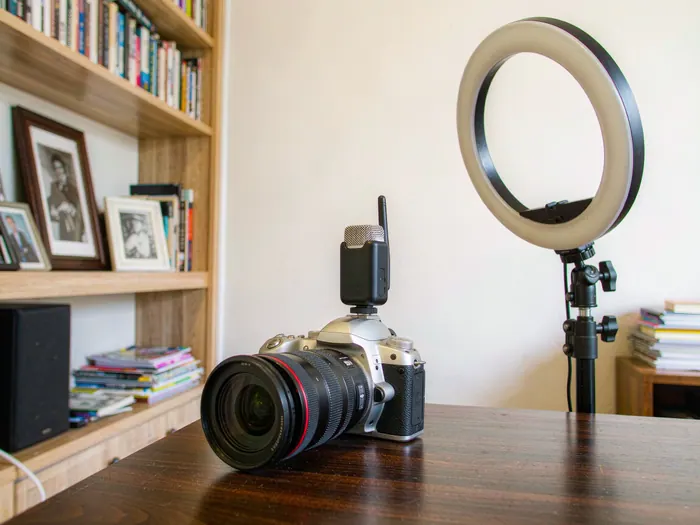
You do not need expensive gear to start. A smartphone camera, a dual-mic setup like the Blue Yeti or Rode NT-USB, and a basic ring light will get you started. For video, a DSLR or mirrorless camera like the Canon M50 offers great quality at an affordable price. If you are on a tight budget, see our Save Money Every Month guide for strategies to fund your equipment gradually. Sound quality matters more than video quality.
 Howcompass
Write Your First Script
Structure your video with a strong hook in the first 5 seconds, a clear value proposition, and a call to action at the end. Write in a conversational tone — read it aloud to catch awkward phrasing. Use a free scriptwriting tool like StudioBinder or Ceros to organize your scenes. The writing skills you develop here will also help with other content — try our Write a Resume guide for structured writing techniques. A good script keeps your video focused and prevents rambling.
 Howcompass
Set Up Your Filming Space
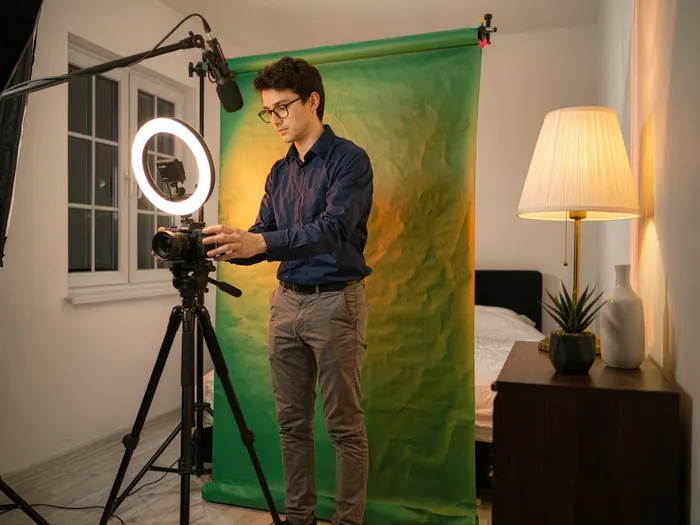
Create a dedicated filming area with controlled lighting and minimal background clutter. Position your camera at eye level and place your microphone close to your mouth for clean audio. Use a simple background — a bookshelf, a solid-color wall, or a popular collapsible backdrop works well. Ensure your space has good natural light or invest in affordable LED panel lights. Soundproofing is optional but closing doors and windows significantly improves audio quality.
 Howcompass
Upload and Optimize Your Video
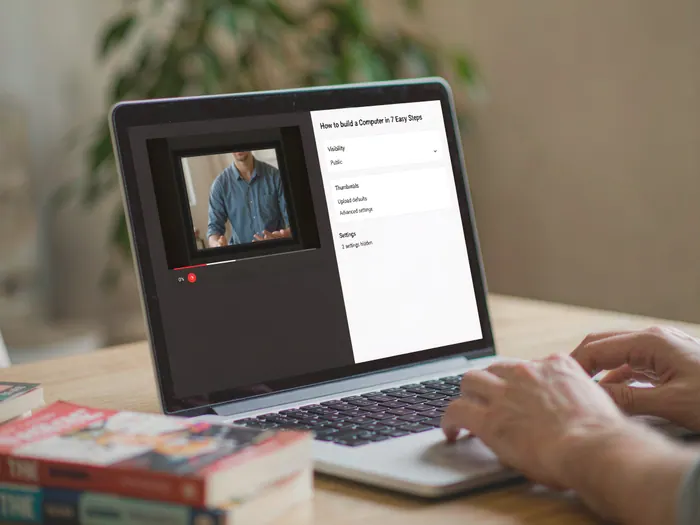
Upload your video to YouTube using the highest quality settings available. In the upload window, set your video visibility to 'Unlisted' first to preview it before making it public. Add your video to the correct playlist and select the appropriate audience setting — 'Made for Kids' or not. YouTube's Creator Studio lets you manage uploads, check for copyright issues, and review community guidelines compliance before your video goes public.
 Howcompass
Edit Your First Video
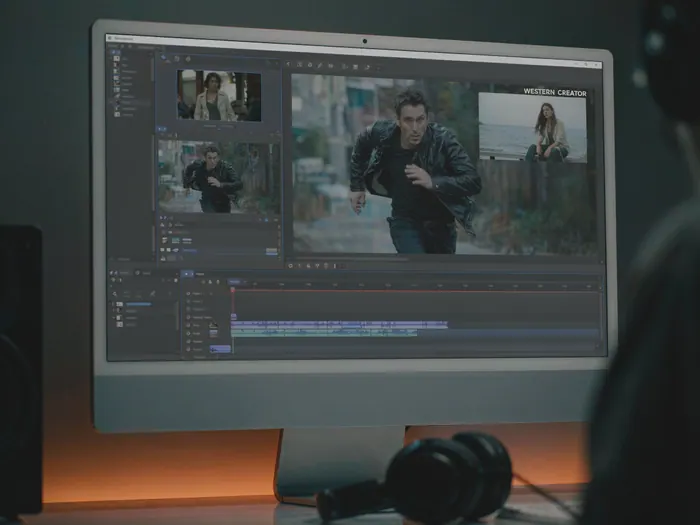
Use DaVinci Resolve (free) or Adobe Premiere Pro to cut your footage, add b-roll, insert text overlays, and include background music. Keep your edits tight — remove dead air, repetitive takes, and tangents. Add YouTube video chapters so viewers can jump to specific sections. Use free music from the YouTube Audio Library to avoid copyright strikes. A polished edit makes even simple content feel professional.
 Howcompass
Record Your First Video
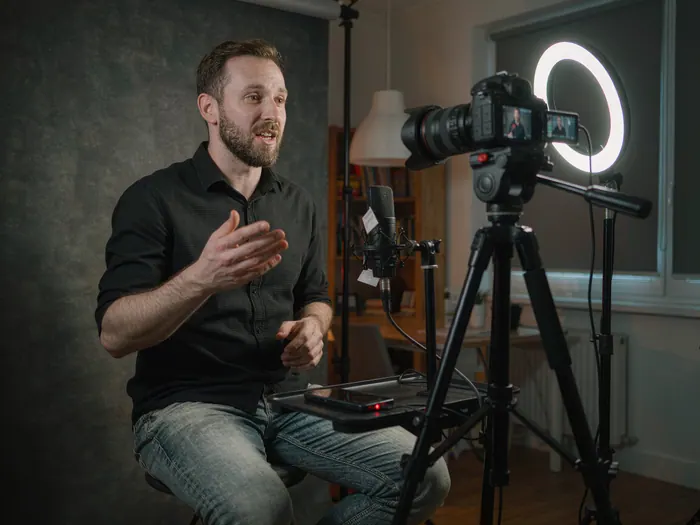
Do a test recording before your final shoot to check audio levels, lighting, and framing. Use a teleprompter app like Teleprompter Pro if you struggle with memorization, or keep your script visible on a monitor next to your camera. Record in short segments rather than one long take — it makes editing easier and reduces the pressure to be perfect. Speak naturally, smile, and remember that the first recording does not need to be your best; it needs to be published.
Optimizing Your Channel Presentation
 Howcompass
Create Channel Art and Banner
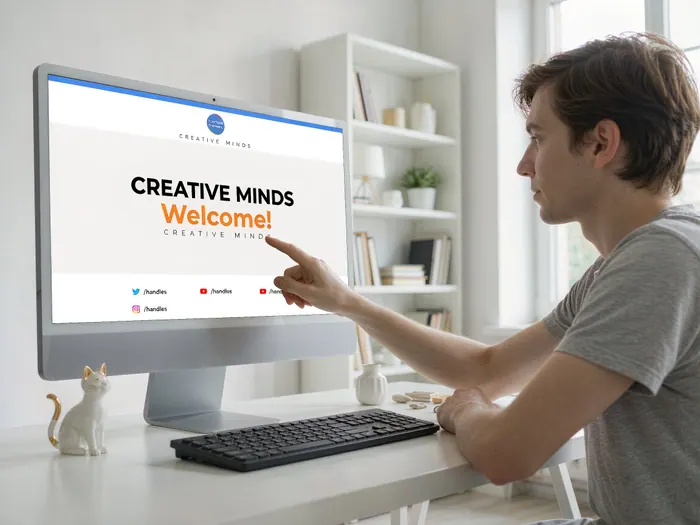
Design a channel banner that clearly communicates your channel's purpose. Use a 2560x1440-pixel canvas with safe zones for different devices. Include your channel name, logo, and a tagline that tells visitors what to expect. Use Canva for easy banner templates or hire a designer on Fiverr. If you want to create your own visual assets, our Take Better Photos guide covers the photography fundamentals behind compelling imagery.
 Howcompass
Create Eye-Catching Thumbnails
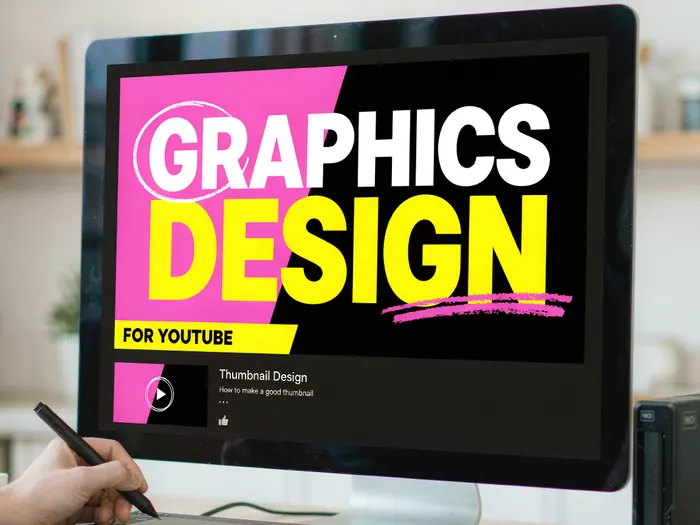
Your thumbnail is the most important factor in getting clicks. Design thumbnails that are 1280x720 pixels with bold, readable text and high-contrast colors. Use a consistent style across your videos so viewers recognize your content at a glance. Tools like Photoshop, Canva, or Adobe Express make thumbnail design straightforward. Test different thumbnail designs using YouTube's thumbnail A/B testing feature to see which performs best.
 Howcompass
Write Compelling Titles and Descriptions
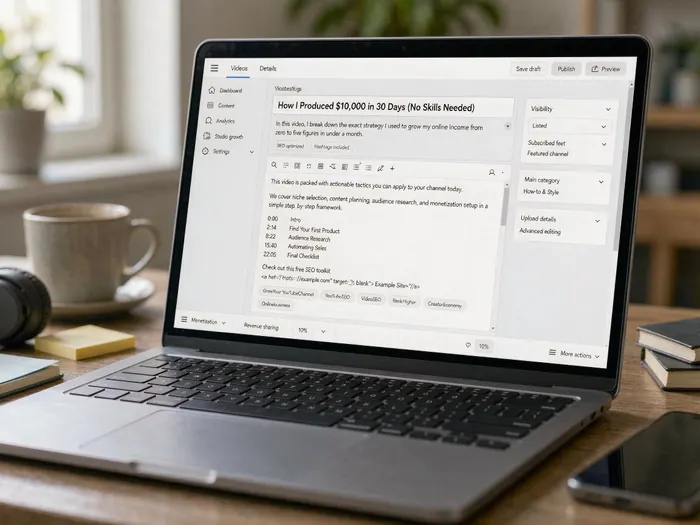
Write titles under 60 characters that include your primary keyword and create curiosity. Put the most important information in the first three lines of your description, as that is what viewers see before clicking 'Show more.' Add timestamps, social media links, and a brief summary of the video content. Use TubeBuddy or VidIQ to analyze title SEO and get suggestions. A great title and description can double your click-through rate.
 Howcompass
Choose the Right Tags and Keywords
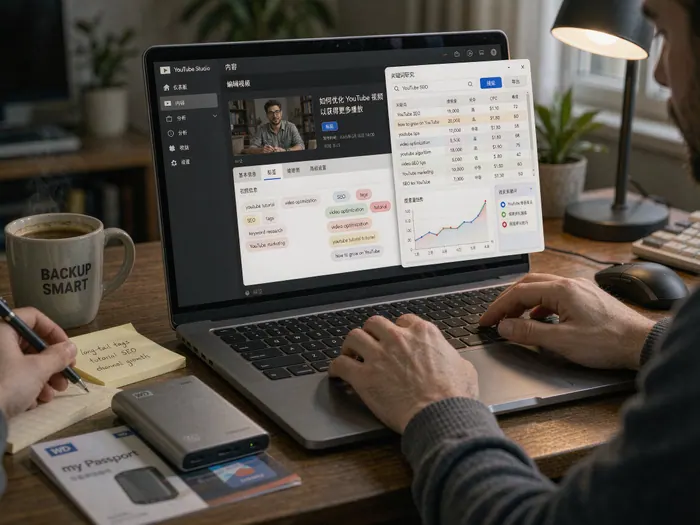
Add 10-15 relevant tags to each video, including your main keyword, related terms, and your channel name. Do not use misleading or unrelated tags — YouTube may penalize your video. Use the YouTube Search Suggest tool or Google Trends to find high-volume, low-competition keywords. Put your primary keyword in the title, description, tags, and thumbnail text for maximum search visibility.
 Howcompass
Collaborate With Other Creators
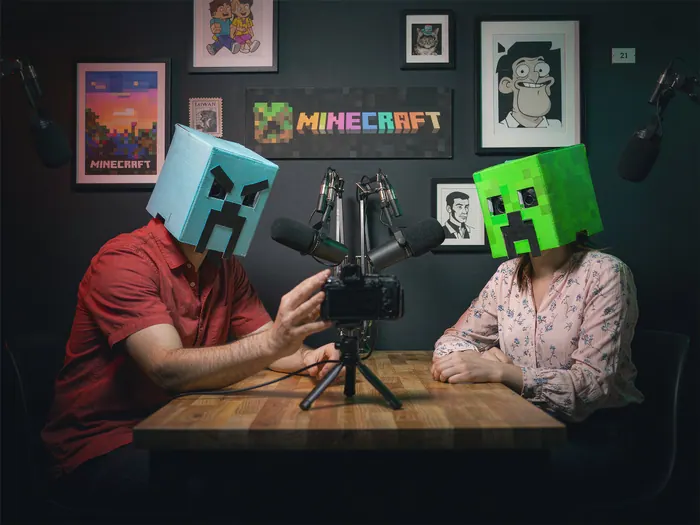
Reach out to creators in your niche for collaboration ideas — guest appearances, co-hosted videos, or shout-outs. Collaboration is the fastest way to tap into an existing audience and cross-promote your channel. Use Instagram DMs or Twitter to connect with creators whose content complements yours. Prepare a clear collaboration pitch that explains the mutual benefit. The communication skills from our Ace a Job Interview guide apply equally well to negotiating creator partnerships.
 Howcompass
Set Up Your Channel Trailer
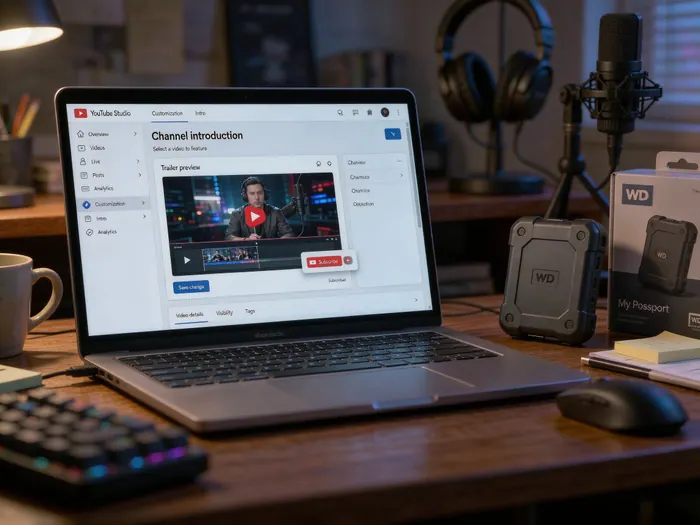
Create a 30-60 second channel trailer that introduces new visitors to your channel. Your trailer should quickly explain what your channel offers and why viewers should subscribe. Use your best footage with energetic editing and a strong call to action at the end. Set it as your channel trailer in YouTube Studio settings so it autoplays for new visitors. A well-crafted trailer converts curious visitors into subscribers.
Growing Your Audience
 Howcompass
Promote on Social Media
Share your videos across all your social platforms to maximize reach. Create short clips or GIFs from your videos for Instagram Reels and TikTok to drive traffic back to YouTube. Use TubeRanker to identify the best social posting times for your audience. Cross-posting to Reddit communities related to your niche can also generate significant initial traffic if your content adds value to the discussion.
 Howcompass
Engage With Your Comments
Respond to every comment on your videos — especially in the first 48 hours after publishing. Answer questions, acknowledge feedback, and build relationships with your early viewers. Use YouTube's comment tools to pin important comments, heart replies, and create a comment Community tab post. Social Blade shows that channels with high comment engagement grow faster than those with low engagement. Your comment section is where community loyalty is built.
 Howcompass
Set Up Live Streaming
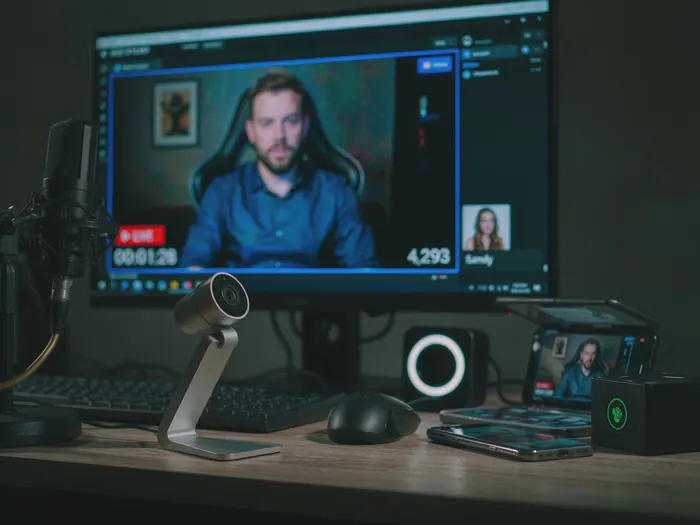
YouTube Live lets you connect with viewers in real time, which builds deeper engagement than pre-recorded videos. Use OBS Studio for professional live streaming with custom scenes, overlays, and multiple camera sources. Schedule your live streams in advance and promote them on social media to build an audience. Live streams can be repurposed as VODs (videos on demand) after the stream ends, giving you two pieces of content from one session.
 Howcompass
Create Playlists for Organization
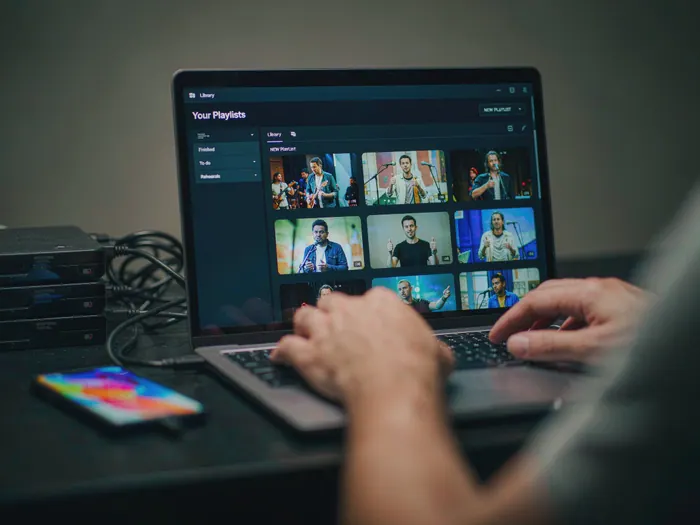
Group related videos into playlists to keep viewers watching longer. Playlists appear in YouTube search results and recommendations, increasing your channel's visibility. Create playlists by topic, series, or difficulty level — for example, 'Beginner's Guide to Photography' or 'Review Series 2025.' Use YouTube Studio to manage playlists and check which ones drive the most traffic using YouTube Analytics. A good playlist structure keeps viewers engaged for hours.
 Howcompass
Explore Monetization Options
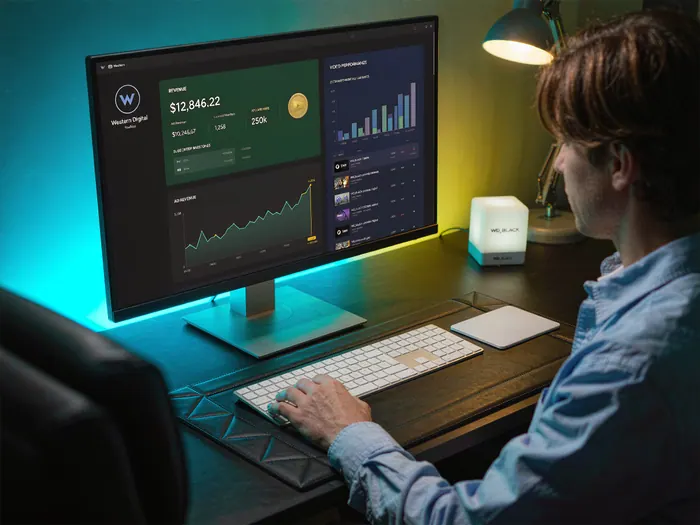
Once you reach 1,000 subscribers and 4,000 watch hours, apply for the YouTube Partner Program to enable ads on your videos. Beyond ad revenue, explore channel memberships, Super Chats, and merchandise shelves. For managing your creator income, our Save Money Every Month guide offers practical budgeting strategies. Monetization should come after you have built a consistent audience.
Scaling Your Channel
 Howcompass
Diversify Your Content Platforms
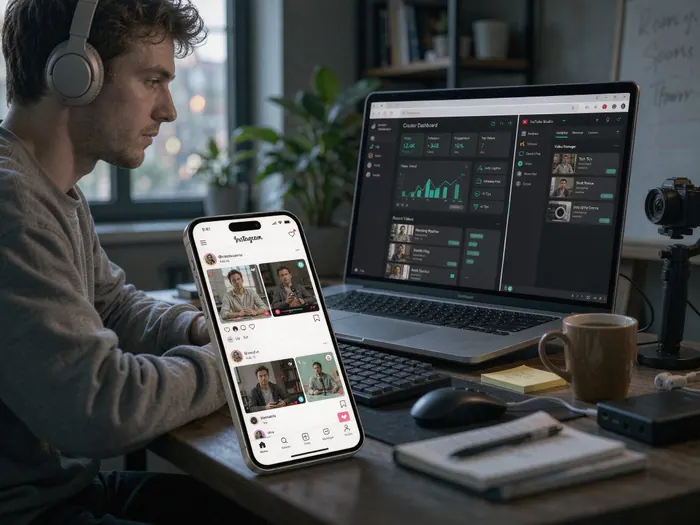
Do not rely on YouTube alone. Repurpose your video content for Instagram Reels, TikTok, and Shorts to reach audiences on different platforms. Use Buffer or Hootsuite to schedule posts across platforms. Short-form content drives discovery, while long-form YouTube videos build depth and loyalty. Each platform serves a different purpose in your overall growth strategy.
 Howcompass
Establish a Consistent Posting Schedule
Post new videos on a schedule your audience can rely on — weekly, bi-weekly, or even daily. Consistency builds viewer habits and signals to YouTube's algorithm that your channel is active. Use TubeBuddy to schedule uploads at optimal times for your audience. If you cannot maintain a daily schedule, commit to one high-quality video per week rather than uploading sporadically. Reliability matters more than frequency for long-term channel growth.
 Howcompass
Prepare for Long-Term Growth
Plan your channel's evolution over the next year. Create content series, seasonal specials, and milestone celebrations to keep your audience engaged. Invest in improving your production quality gradually — better audio, improved lighting, more sophisticated editing. Follow YouTube Creator Insider for platform updates and algorithm changes. Long-term success comes from adapting to what your audience needs while staying true to your channel's core mission.
 Howcompass
Build an Email List
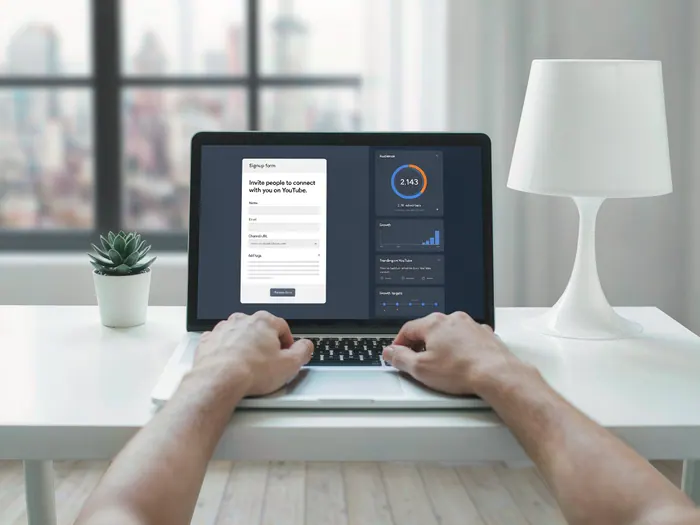
Capture email addresses from your most engaged viewers to build a direct channel to your audience. Use tools like ConvertKit or Mailchimp to send newsletters with exclusive content, behind-the-scenes updates, and early access to new videos. Include a link to your email signup in your video descriptions and channel banner. An email list protects your channel from algorithm changes and gives you a direct way to communicate with your most loyal fans.
 Howcompass
Use YouTube Analytics to Improve
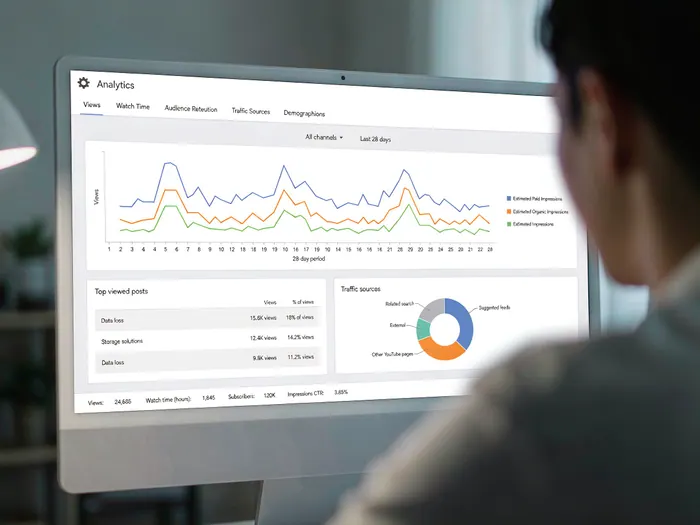
Review your YouTube Analytics dashboard weekly to track viewer retention, traffic sources, and audience demographics. Look for patterns: which videos retain viewers longest, which traffic sources drive the most subscriptions, and when your audience is most active. Use VidIQ or TubeBuddy for deeper competitive analysis. Data-driven improvements to your content strategy will consistently outperform guessing what your audience wants.
How to know it worked
- One sentence describes who the video is for and what it helps them do.
- Ten videos share a recognisable format.
- Titles and thumbnails are legible at phone size.
- A weekly publishing slot is protected in the calendar.
Common mistakes to avoid
- Buying a camera before publishing five videos with a phone.
- Changing format every upload and giving the audience nothing to expect.
- Writing the title after the edit instead of before the outline.
- Ignoring the first 15 seconds, where most viewers decide whether to stay.
- Chasing trends unrelated to the channel's promise.
- Planning monetisation before the catalogue and watch time exist.
Frequently Asked Questions
Question: What equipment do I need to start?
A phone with a clean lens, a cheap lavalier or USB microphone, a tripod and a window for light will beat an expensive camera with bad audio. Audio quality affects whether people stay more than resolution does.
Question: How often should I upload?
One video a week is sustainable for most solo creators and enough to learn from. Daily uploads only work if the format genuinely supports them. Consistency matters more than frequency.
Question: How long should a video be?
As long as the promise requires. Tutorials often work at 8–15 minutes; commentary and essays can run longer. Retention matters more than length, so cut anything that does not serve the title.
Question: When can I monetise?
YouTube's Partner Programme has subscriber and watch-hour thresholds that vary by region and change over time. Check the current requirements in YouTube Studio. Sponsorships are possible earlier but require clear disclosure.
Question: Do thumbnails really matter?
Yes. The thumbnail and title are the only parts most viewers see. Make one clear subject, large readable text and a strong contrast. Test two versions on a few videos before settling on a template.
Question: Can I run a channel without showing my face?
Yes. Screen recordings, hands-on demonstrations, animation and voice-over formats all work. The constraint is that the format must still feel consistent and personal; anonymity is not a substitute for a clear promise.
Tips
- Your first 10 videos will not be perfect — the goal is to learn, not to impress. Publish and iterate.
- Always use captions and subtitles — they improve accessibility and boost search visibility.
- Record your intro and outro in one consistent location so viewers recognize your channel instantly.
- End every video with a clear call to action — subscribe, comment, or watch another video.
- Check your YouTube Studio mobile app daily to respond to comments quickly and monitor video performance.
- Use YouTube Community posts to share behind-the-scenes content and engage viewers between video uploads.
- Keep video titles and thumbnails consistent with your channel's branding for instant recognition in search results.
- Record a few videos in one session to build a backlog — this prevents gaps in your posting schedule.
- Always backup your raw footage to cloud storage like Google Drive or Dropbox before editing.
- Study your most successful video's retention graph to understand exactly where viewers drop off and improve future content.
- Use YouTube's 'End Screen' and 'Cards' features to promote your other videos and playlists during every upload.
- Engage with other creators' content by commenting thoughtfully — it builds relationships and drives traffic back to your channel.
- Keep your channel description updated with your latest content pillars so new visitors know what to expect.
- Invest in a good microphone before upgrading your camera — audio quality is more important than video quality.
- Create a channel banner that looks good on both desktop and mobile — test it by resizing your browser window.
Warnings
- Never use copyrighted music, images, or video clips without permission — YouTube copyright strikes can shut down your channel.
- Do not buy subscribers, views, or engagement — YouTube's algorithm detects fake engagement and may terminate your channel.
- Avoid clickbait thumbnails and titles that do not match your video content — viewers will lose trust and unsubscribe.
- Be transparent about sponsored content and affiliate links — disclose them in your video and description to comply with FTC guidelines.
- Never upload videos that violate YouTube's Community Guidelines — strikes accumulate and can lead to channel termination.
- Do not neglect your channel's 'About' page — it is the first thing visitors check to decide whether to subscribe.
- Avoid inconsistent upload schedules — uploading randomly then stopping for weeks damages your channel's algorithm standing.
- Be careful with 'Made for Kids' settings — incorrect classification can result in limited monetization and feature restrictions.
- Never ignore negative comments — responding professionally shows other viewers you value feedback and builds community trust.
- Do not over-monetize early — too many ads frustrate viewers and drive them away before your channel has a loyal audience.
Things You'll Need
- Smartphone or DSLR/mirrorless camera
- External microphone (Blue Yeti, Rode NT-USB, or similar)
- Ring light or LED panel light
- Tripod or camera stand
- Computer with internet connection
- Free editing software (DaVinci Resolve, CapCut, or iMovie)
- Google account for YouTube
- Channel name and branding concept
- Content calendar or planning spreadsheet
- Scriptwriting notes or teleprompter app
- Thumbnail design tool (Canva, Photoshop, or Adobe Express)
- Social media accounts for promotion
- Cloud storage for video backups (Google Drive, Dropbox)
- Email marketing platform (ConvertKit, Mailchimp)
- Analytics tools (YouTube Studio, TubeBuddy, or VidIQ)
Related Howcompass Guides




References (8)
- YouTube Creator AcademyYouTube
- YouTube Partner Programme RequirementsYouTube Help
- YouTube AnalyticsYouTube Help
- Video SEO and IndexingGoogle Search Central
- Paid Promotion Disclosure on YouTubeYouTube Help
- Creative Commons LicensesCreative Commons
- Audio and Video Media AccessibilityW3C Web Accessibility Initiative
- YouTube Community GuidelinesYouTube
Sources are listed so you can read the underlying guidance yourself. Our editorial policy explains how guides are reviewed.
What changed in this update: Reviewed November 2026: added the ten-video test, a title-and-thumbnail workflow and the monetisation and disclosure checks to make before planning income.
Did this article help you?
0 readers found this helpful — add your vote.
No comments yet — be the first to share your results.