How to Start a Podcast
A guide to Planning Your Podcast, Gathering Equipment, Creating Content, Publishing and Distribution, Growing Your Audience
A podcast is three projects wearing one name: a show format, an audio workflow and a distribution habit. This guide takes them in that order, so you do not buy a microphone before you know what the show is, and you do not launch before the feed is right. If you are still deciding between audio and video, read Start a YouTube Channel first — the research and publishing habits overlap more than the equipment lists do.
You can launch a first episode in a weekend with a USB microphone, closed-back headphones, free software such as Audacity and a host that generates an RSS feed. Spend the first week on format and ten episode ideas, then record a five-minute test for room noise. Publish three episodes before judging growth. Budget roughly $100–$300 for gear and $12–$20 a month for hosting; the recurring cost surprises people more than the microphone does.
- Time
- 6–10 hours to launch; 3–5 hours per episode
- Cost
- $100–$300 starter gear, $12–$20/month hosting
- Difficulty
- Moderate
- People
- 1–3
- Space
- A quiet room with soft surfaces
- Tools
- USB microphone, closed-back headphones, Audacity, hosting with RSS
How do you start a Podcast?
 Howcompass | How to Start a Podcast
Planning Your Podcast
HowcompassDefine Your Podcast Concept
Start by clarifying what your podcast will be about and what makes it unique. Ask yourself what topic you want to cover, who you want to reach, and what format works best — solo episodes, interviews, co-hosted discussions, or narrative storytelling. Write a one-sentence podcast mission statement — for example, 'We interview tech founders about their journey from idea to IPO.' Research existing podcasts in your niche using Apple Podcasts and Spotify to find gaps in the market. A focused concept attracts loyal listeners faster than a show that tries to cover everything.
 Howcompass
Plan Your Content Strategy
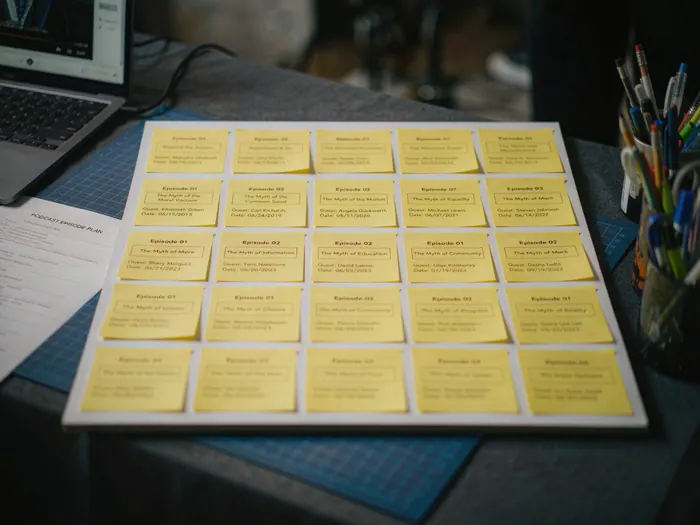
Map out your first 10-15 episode ideas in a content calendar. Balance your content pillars — for example, if you are a business podcast, plan interviews, solo analysis episodes, and industry news roundups. Use a simple spreadsheet or a tool like Notion to track topic, guest, recording date, and publish date. Planning ahead prevents the 'what should I talk about?' panic and keeps your output consistent. Consider seasonal topics and timely news to keep your content relevant.
 Howcompass
Choose a Name and Branding
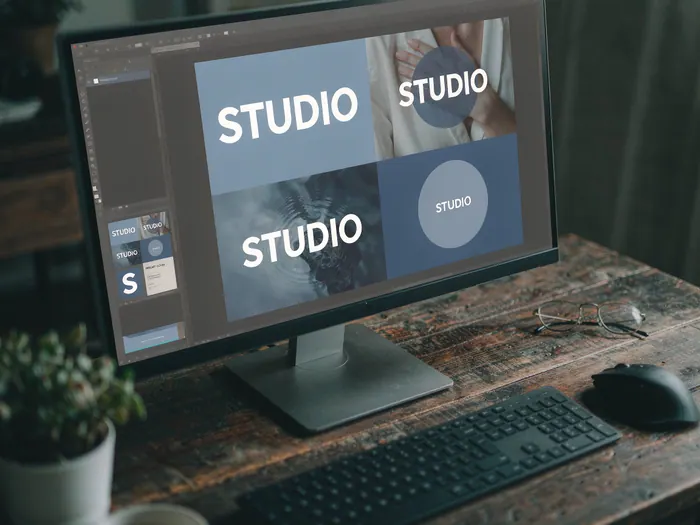
Pick a memorable, searchable podcast name that reflects your concept. Avoid names that are too generic or hard to spell. Design a square cover art (1400x1400 pixels minimum) with bold, readable text and high-contrast colors. Use free tools like Canva to create your cover art and branding assets. Make sure your show name and handles are available on Apple Podcasts, Spotify, Instagram, and Twitter before you commit. Your cover art is the first thing potential listeners see — make it count.
 Howcompass
Research Your Target Audience
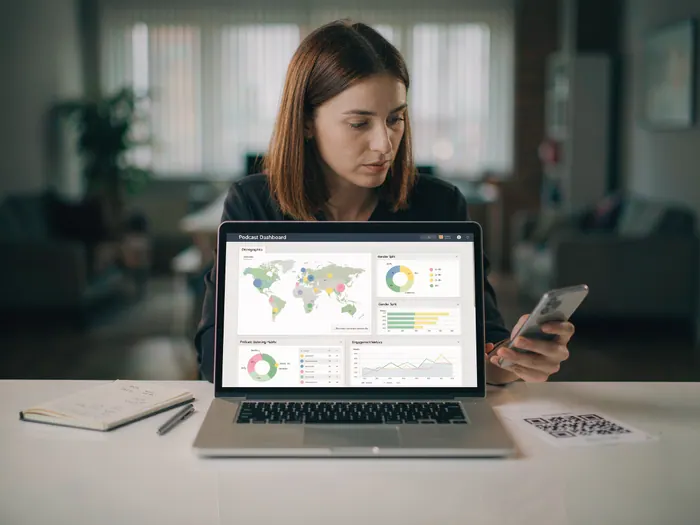
Understand exactly who you want to reach before you start recording. Research your potential listeners' demographics, interests, and listening habits using Podcast Analytics and community forums. Survey potential listeners on Reddit, Quora, or LinkedIn groups to learn what topics they are hungry for. Listen to podcasts in your niche and read their reviews to understand what audiences respond to. The more specific your audience research, the easier it is to create content that resonates and retains listeners.
Gathering Equipment
 Howcompass
Choose Your Microphone
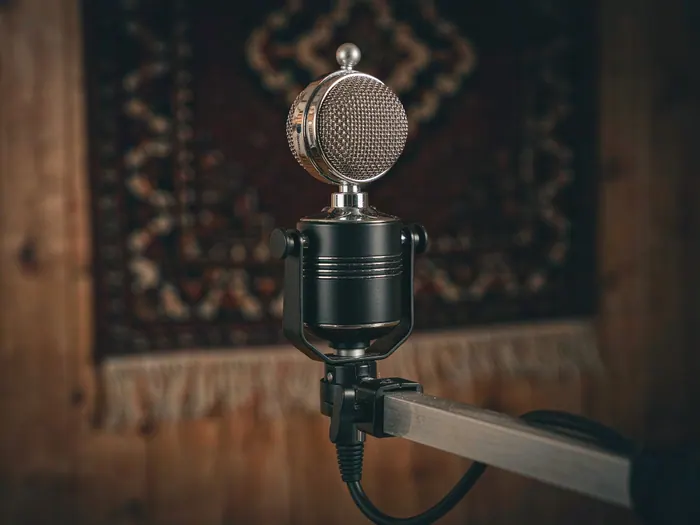
Your microphone is the most important piece of podcasting equipment — bad audio kills a podcast faster than anything else. For beginners, a dynamic USB microphone like the Samson Q2U or Rode NT-USB Mini offers excellent value. For serious podcasters, an XLR microphone like the Rode PodMic or Shure MV7 delivers broadcast-quality sound. If you are setting up a full studio, see our Build a Gaming PC guide for the computer hardware you will need. Dynamic microphones reject background noise better than condenser microphones, making them ideal for home studios.
 Howcompass
Set Up Your Podcast Goals
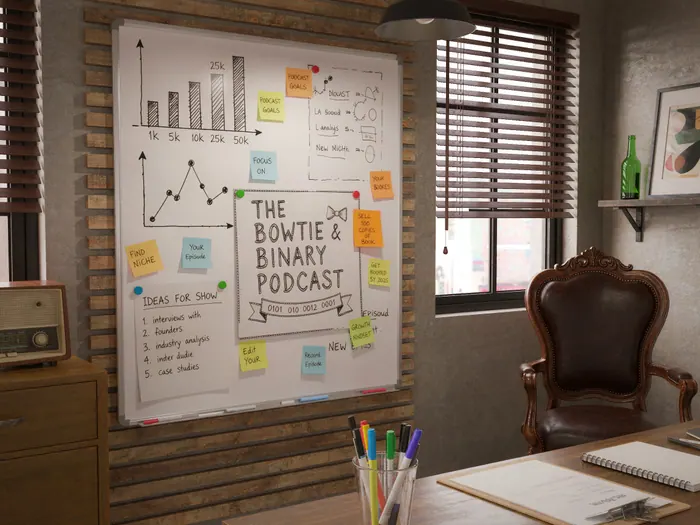
Define measurable goals for your first three months — downloads per episode, subscriber count, and engagement rate. Write them down and track them weekly. Set realistic targets: 100 downloads per episode and 50 subscribers in the first 90 days is a solid start. Create a vision board or milestone tracker to visualize your growth trajectory. Podcast Analytics on Spotify and Podchaser help you track your show's performance across platforms. Goals keep you motivated when growth feels slow.
 Howcompass
Select Your Audio Interface
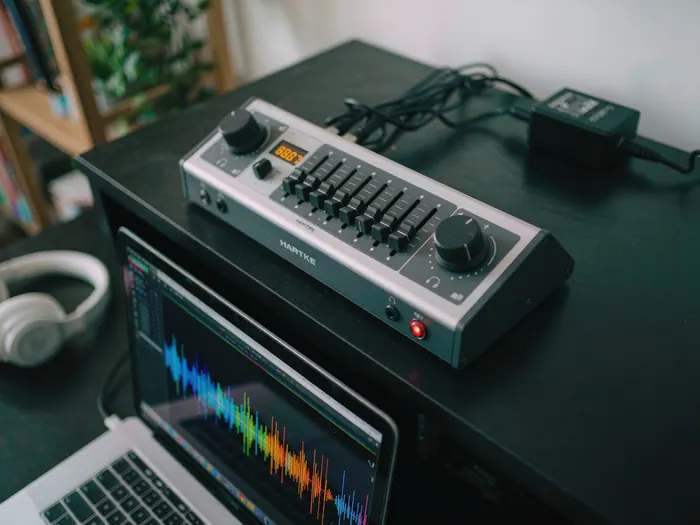
If you choose an XLR microphone, you need an audio interface to connect it to your computer. The Focusrite Scarlett Solo is the gold standard for podcasters — it offers clean preamps, phantom power, and USB connectivity. For multi-mic setups, the Zoom PodTrak P4 is a purpose-built podcast mixer with four XLR inputs. An audio interface ensures professional audio quality and gives you multiple inputs for co-hosts and guests.
 Howcompass
Pick Your Headphones
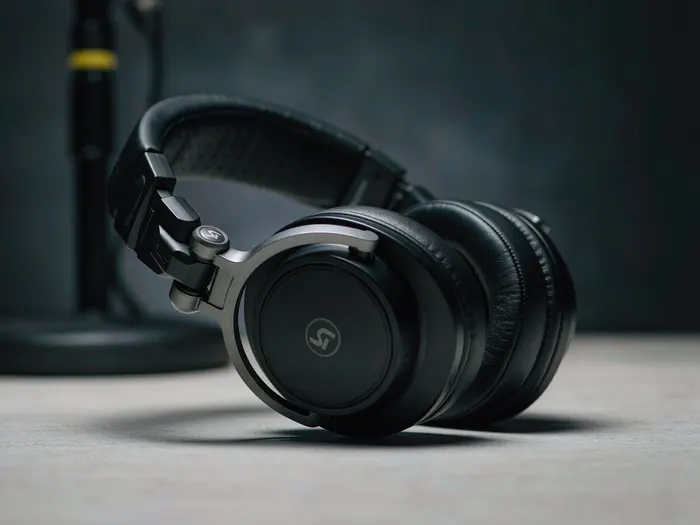
Closed-back headphones are essential for podcasting — they prevent sound from your headphones bleeding into your microphone. The Audio-Technica ATH-M20x is a budget-friendly option, while the Sony MDR-7506 is an industry standard. For wireless convenience, the Jabra Evolve2 65 offers professional-grade sound. Always use headphones when recording — monitoring through speakers causes echo and feedback.
 Howcompass
Set Up Your Recording Space
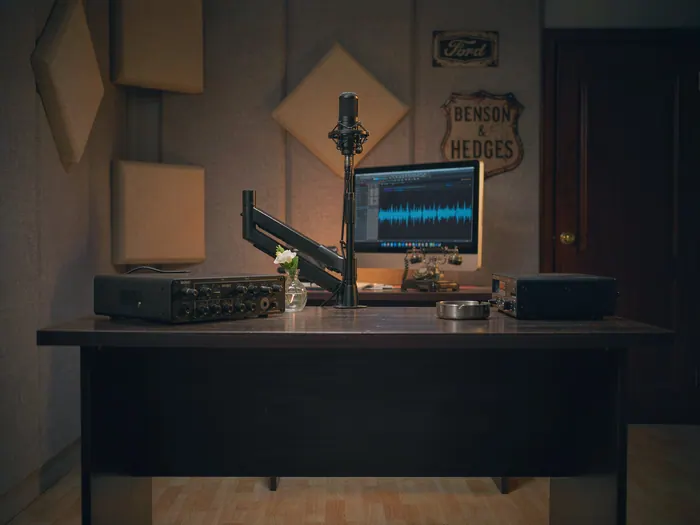
Create a dedicated recording area with controlled acoustics. Cover hard surfaces with blankets, rugs, or foam panels to reduce echo — a portable vocal booth works well for small spaces. Position your microphone 10-15 cm from your mouth at a 45-degree angle. Place your audio interface and computer within reach. Ensure your space is quiet — turn off fans, close windows, and silence phone notifications. Good acoustics matter more than expensive gear.
 Howcompass
Choose Recording Software
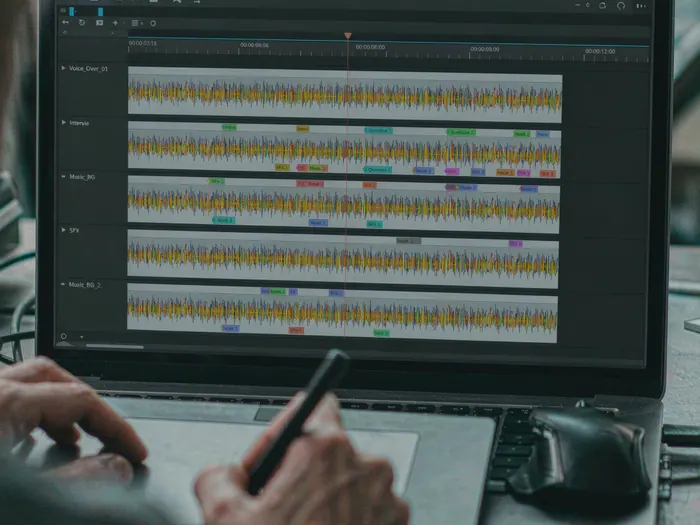
Select a DAW (digital audio workstation) to record and edit your podcast. Audacity is free and beginner-friendly, while Adobe Audition offers professional-grade features. For remote interviews, use Riverside.fm or Zencastr — they record locally on each participant's device for crystal-clear audio regardless of internet quality. For podcasters who also create video content, our Start a YouTube Channel guide covers the full video production workflow. For podcasters who want an all-in-one solution, Anchor offers free recording, hosting, and distribution.
 Howcompass
Plan Your First Episodes
Outline your first 3-5 episodes before you start recording. Each episode should have a clear structure: intro music, a hook, main content, and a call to action. Write bullet points rather than full scripts — podcasting is conversational, and reading from a script sounds stiff. Research your first guest if interviewing, or outline your key talking points if solo. Prepare more episodes than you need to build a backlog — having 3-4 episodes ready prevents gaps in your publishing schedule.
 Howcompass
Gather Accessories
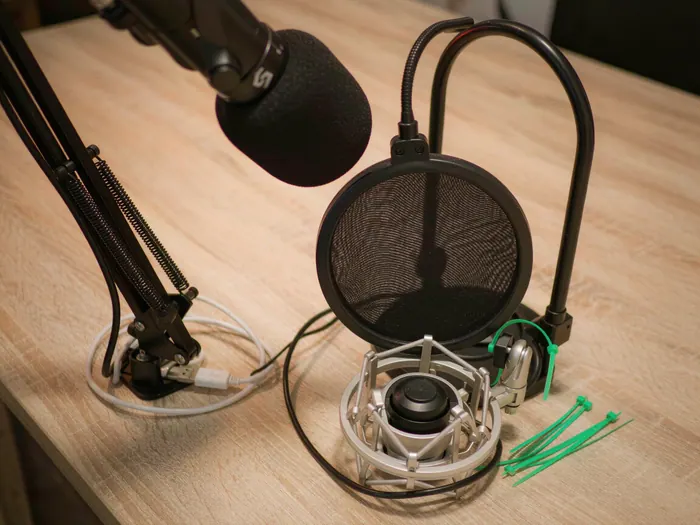
Beyond the essentials, a few accessories improve your podcast quality. A boom arm keeps your microphone off your desk and at the perfect angle. A pop filter reduces plosive sounds (P and B sounds). A shock mount isolates the microphone from desk vibrations. Cable ties and a small parts organizer keep your workspace tidy. Most of these accessories are inexpensive and available on Amazon or your local electronics store.
Creating Content
 Howcompass
Record Your First Episode
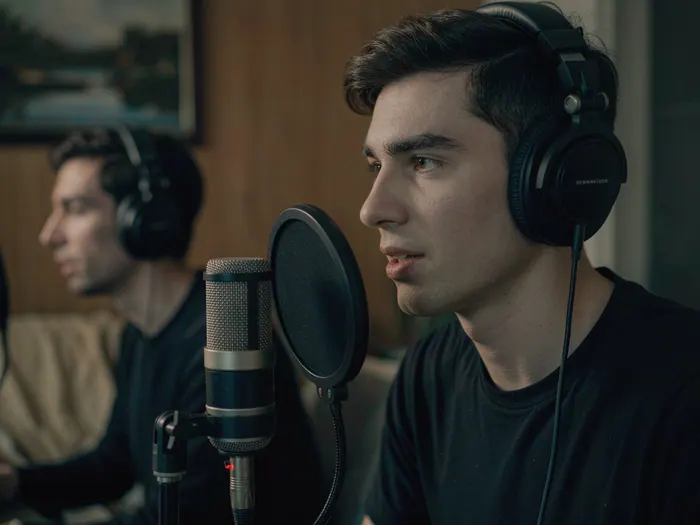
Do a 5-minute test recording before your first real episode to check audio levels, microphone position, and background noise. Speak at a consistent volume — aim for -12 to -6 decibels on your meter. Record in short segments rather than one long take — it makes editing easier and reduces pressure. If you make a mistake, pause, retake the sentence, and continue — you can clean it up in editing. Remember: your first episode does not need to be perfect; it needs to be published.
 Howcompass
Add Music and Sound Effects
Add an intro/outro music track and sound effects to give your podcast a professional feel. Use royalty-free music from Epidemic Sound or SoundCloud's free library. Keep music volume low — it should be a background element, not a distraction. Add a brief intro music (5-10 seconds), your episode intro, and outro music. Sound effects like transitions or stingers can enhance storytelling, but use them sparingly. Always credit your music sources in your episode description.
 Howcompass
Edit Your Audio
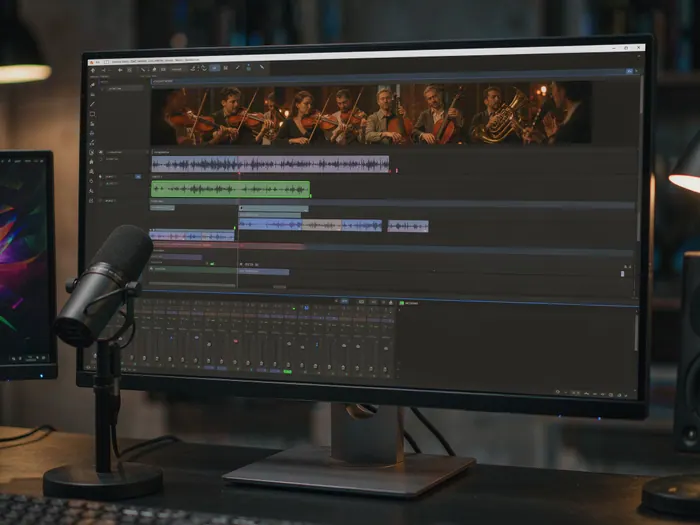
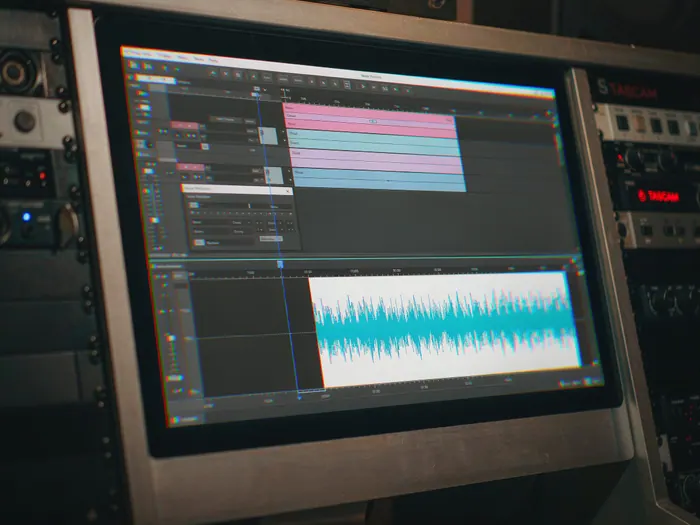
Edit your recording to remove mistakes, long pauses, and background noise. Use Audacity or Adobe Audition to cut unwanted sections, apply noise reduction, and normalize audio levels. Remove long silences (over 1 second), obvious mistakes, and tangents that do not serve the episode. Add chapter markers for long episodes so listeners can jump to specific sections. A polished edit makes even a simple conversation sound professional and keeps listeners engaged.
 Howcompass
Write Your Episode Script
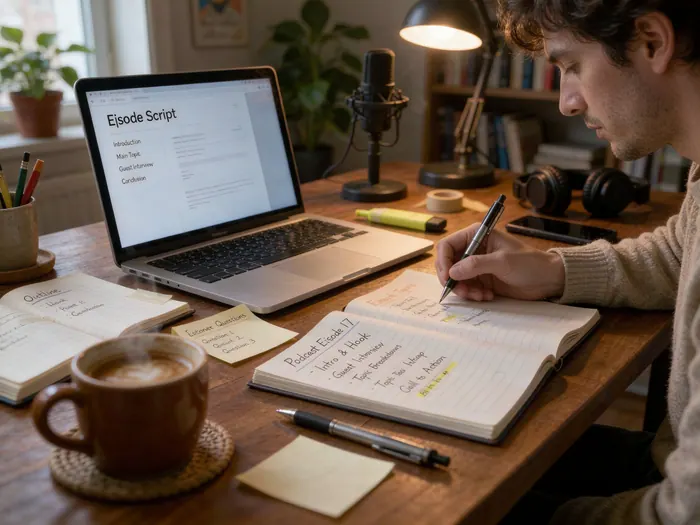
Create an outline or script for each episode to keep your content focused and on-topic. For interview episodes, prepare question lists for your guest. For solo episodes, write bullet points of key talking points rather than a word-for-word script — reading sounds robotic, while conversation sounds natural. Include your intro, main content sections, and call to action. Write episode titles and descriptions at the same time. A good script keeps your episode structured and prevents rambling, which is the number one reason listeners abandon podcasts.
 Howcompass
Write Your Episode Descriptions
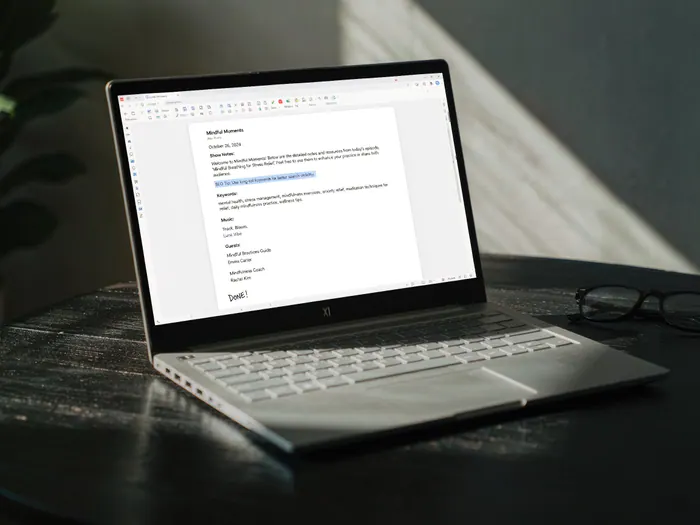
Write compelling episode descriptions that include your primary keywords, a summary of the content, and any guest information. Put the most important information in the first two lines — that is what listeners see before tapping 'Show more.' Add timestamps for key moments so listeners can jump to specific sections. Include links to your website, social media, and any resources mentioned in the episode. For SEO, use descriptive episode titles under 60 characters that include searchable terms. Good descriptions improve discoverability and listener retention.
 Howcompass
Create Your Podcast Cover Art
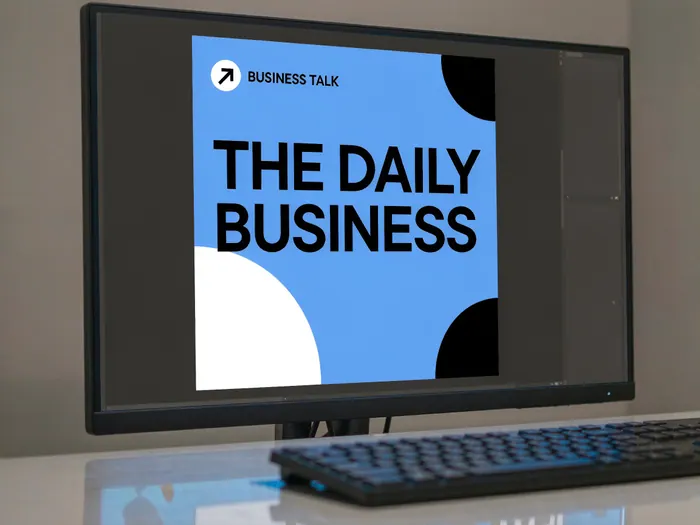
Design a square cover art (minimum 1400x1400 pixels) that clearly communicates your podcast's purpose. Use bold, readable text — your title should be visible even at small sizes. Choose a color palette that reflects your show's tone — bright and energetic for comedy, calm and professional for business. Use Canva for easy templates or hire a designer on Fiverr. If you want to create your own visual assets, our Take Better Photos guide covers the photography fundamentals behind compelling imagery. Avoid cluttered designs — simple, bold, and legible works best. Your cover art appears in podcast directories, social media, and your website — it is your show's visual identity.
Publishing and Distribution
 Howcompass
Choose a Podcast Host
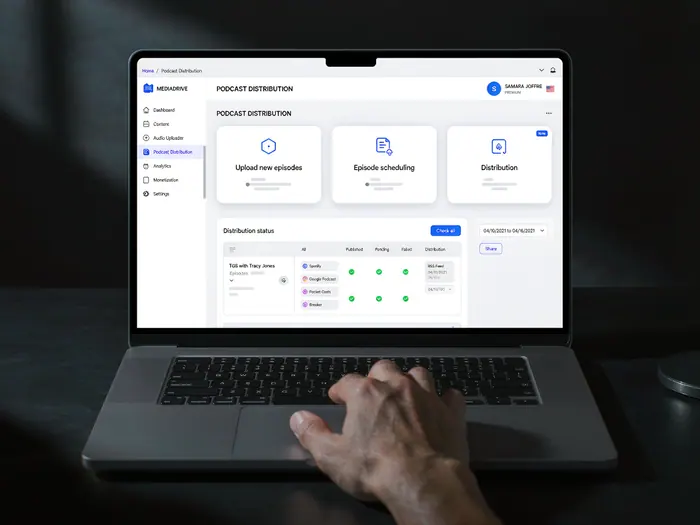
Select a podcast hosting platform to store your audio files and generate your RSS feed. Buzzsprout is beginner-friendly with a free plan for up to 3 hours of audio. Anchor offers free hosting and distribution. For premium features, Transistor and Captivate provide advanced analytics and unlimited hosting. Your host stores your episodes, creates your RSS feed, and distributes your show to directories. Compare plans based on storage limits, monthly upload limits, and analytics features before committing.
 Howcompass
Master Your Final Audio
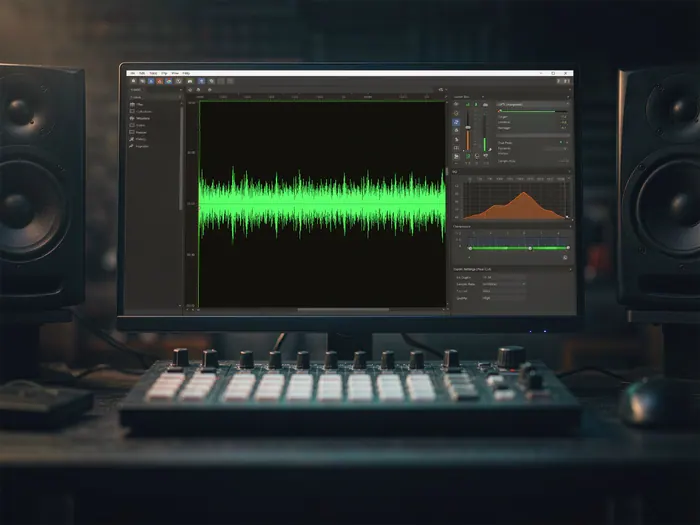
Apply final audio processing before publishing. Normalize audio levels to -16 LUFS (the standard for podcasts) so episodes play at consistent volume across different devices. Apply a high-pass filter to remove low-frequency rumble and a gentle compression to even out loud and quiet moments. Export your final audio as MP3 at 192kbps or higher for good quality without excessive file size. Listen to your final master on multiple devices — phone speakers, headphones, and car audio — to verify it sounds good everywhere. Professional mastering makes your podcast sound polished and competitive.
 Howcompass
Create Your RSS Feed
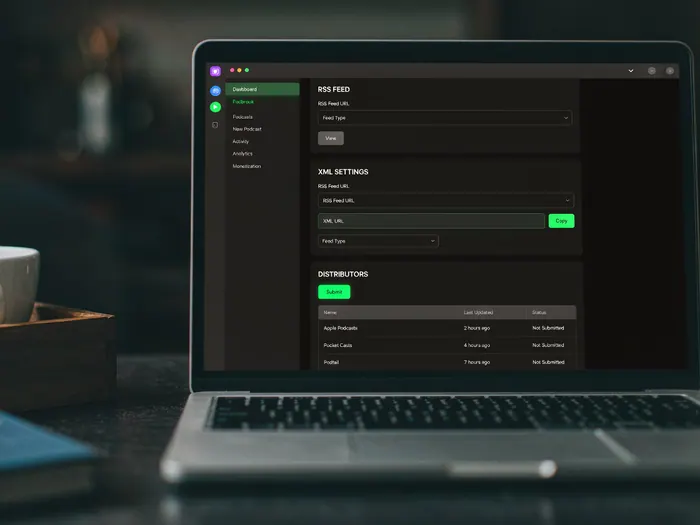
Your podcast host generates an RSS feed automatically, but verify it is correct before submitting to directories. Check that the feed includes your cover art, episode descriptions, and proper metadata. Use a feed validator like Podcast RSS to check for errors. Your RSS feed is the technical backbone that podcast apps use to fetch and display your episodes. Ensure the feed URL is stable — changing it later breaks subscriptions for existing listeners. Keep the feed clean and well-structured for maximum compatibility across podcast apps.
 Howcompass
Promote on Social Media
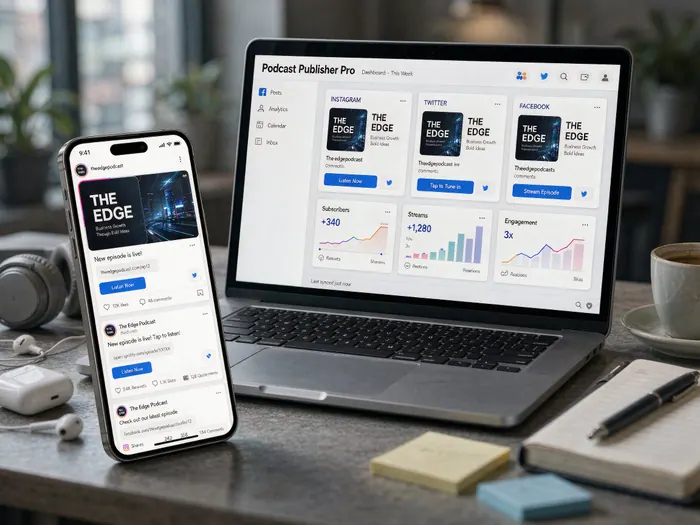
Share your episodes across all social platforms to maximize reach. Create short audio clips or quote cards from your episodes for Instagram Reels and Twitter. Use Buffer or Hootsuite to schedule posts across platforms. Share behind-the-scenes photos from your recording setup to build a personal connection with your audience. If you also want to create video content from your podcast, see our Start a YouTube Channel guide. Encourage listeners to share and review your podcast — word of mouth is the most powerful growth driver in podcasting.
 Howcompass
Upload Your First Episode
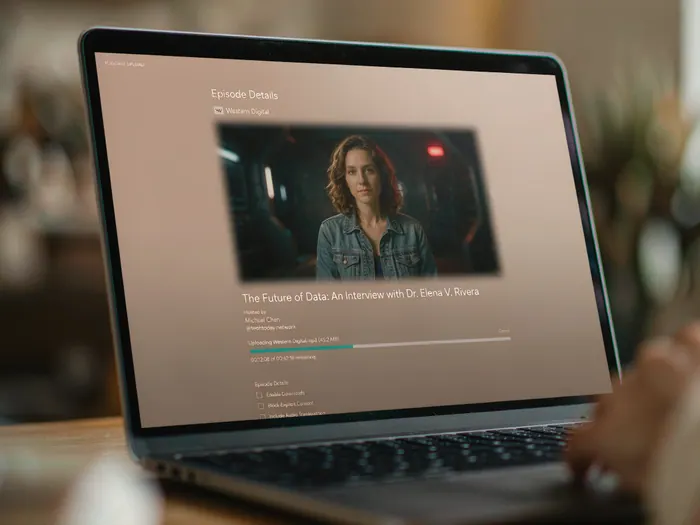
Upload your first episode to your podcast host and schedule it for release. Add your cover art, episode title, description, and metadata. Set the episode as 'published' and choose your release date — most podcasters release weekly. Publish at least 3 episodes on launch day so listeners have multiple episodes to binge — this increases retention and subscription rates. Verify the episode plays correctly before it goes public. After publishing, share the episode link on all your social media channels and with your network.
 Howcompass
Submit to Podcast Directories
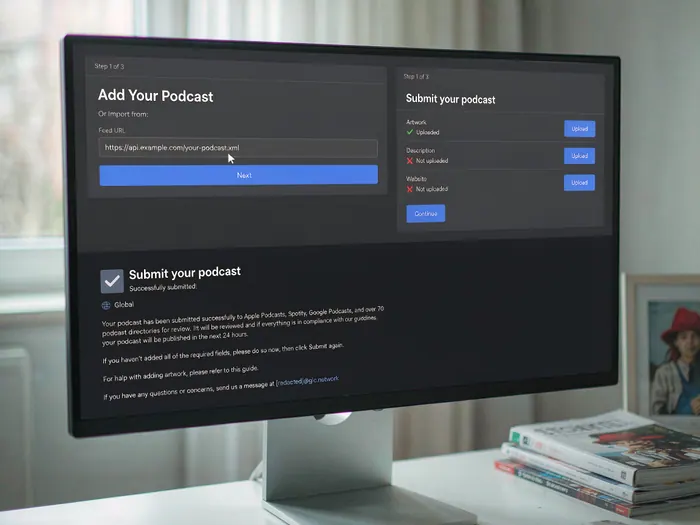
Submit your podcast to major directories so listeners can find and subscribe. Submit to Apple Podcasts, Spotify, Google Podcasts, and Amazon Music. Each directory has its own submission process — typically requiring your RSS feed URL, cover art, and episode description. Use Podcast Index as an additional directory. Approval times vary — Apple Podcasts can take days to weeks, while Spotify is usually faster. Once approved, your show appears in search results across all major platforms.
Growing Your Audience
 Howcompass
Guest on Other Podcasts
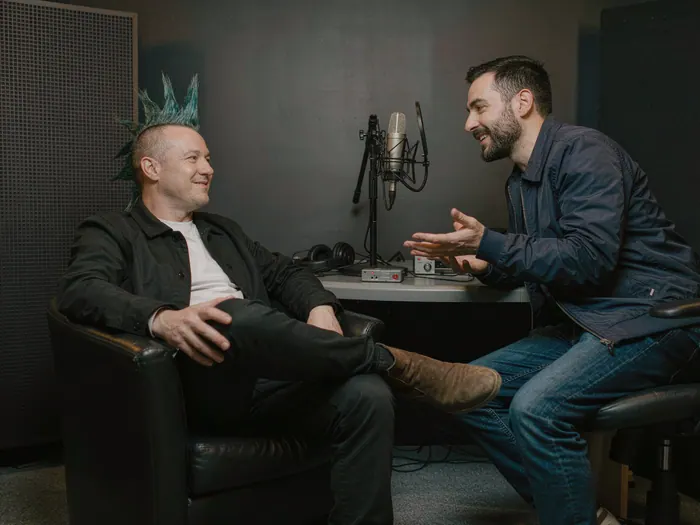
Appearing as a guest on other podcasts is one of the fastest ways to reach a new audience. Identify podcasts in your niche with engaged audiences and reach out to their hosts with a personalized pitch. Use Instagram DMs or LinkedIn to connect. Prepare a clear value proposition — what unique perspective or expertise do you bring to their audience? Offer to promote the episode to your listeners as well. Guest appearances provide instant access to an established audience and build your credibility in the podcasting space.
 Howcompass
Engage With Your Listeners
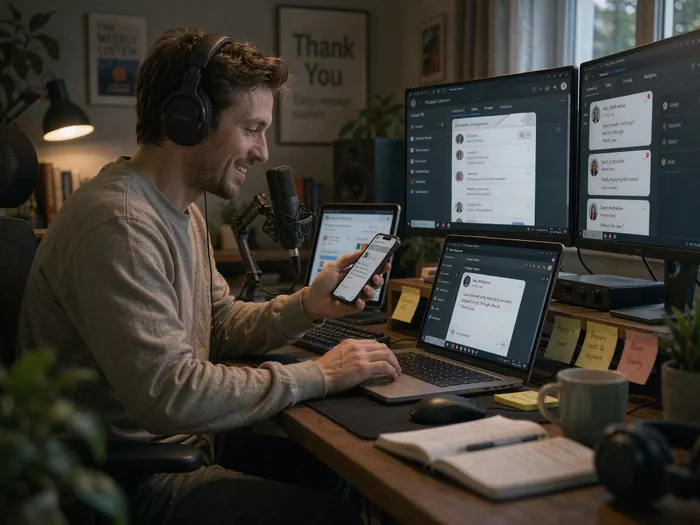
Build a community around your podcast by engaging with your listeners. Read and respond to reviews on Apple Podcasts and Spotify — even a simple 'thank you' builds loyalty. Create a listener email address and answer listener questions in dedicated Q&A episodes. Use social media to ask what topics listeners want to hear about. Consider creating a private community group on Discord or Facebook for your most engaged listeners. Community engagement transforms casual listeners into loyal fans.
 Howcompass
Monetize Your Podcast
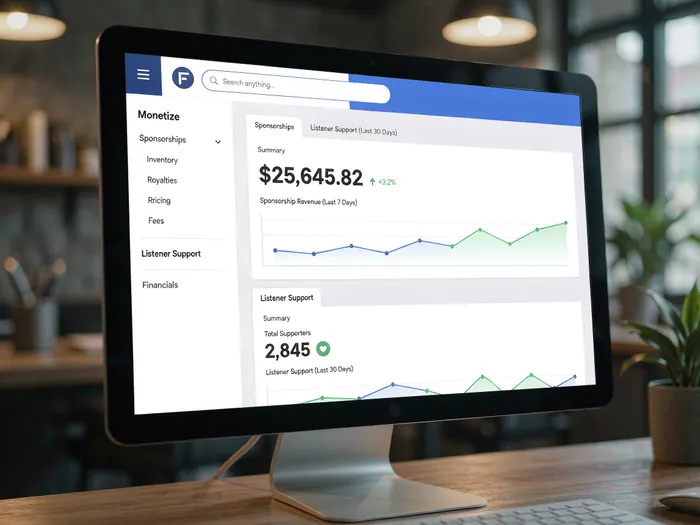
Once you have a consistent audience, explore monetization options. Sponsorships are the most common — use Megaphone or Podsights to connect with advertisers. Patreon and Substack let listeners support your show directly. Acast and Spotify for Podcasters offer dynamic ad insertion. For managing your podcast income, see our Save Money Every Month guide. Monetization should come after you have built a loyal audience — focus on content first, revenue follows.
 Howcompass
Utilize SEO for Podcasts
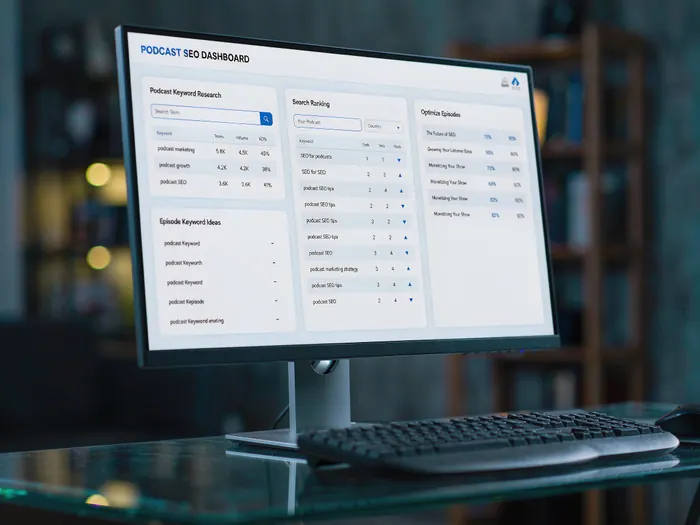
Optimize your podcast for search engines to increase discoverability. Write descriptive episode titles that include searchable keywords. Create a transcript for each episode and publish it on your website — this makes your content searchable on Google and accessible to hearing-impaired listeners. Use Google Search Console to track how listeners find your show. Submit your podcast website to Podcast Index for additional SEO benefits. Use Spotify for Podcasters to track which episodes drive the most traffic and refine your content strategy.
How to know it worked
- You can state the show's format and audience in one sentence.
- A five-minute test recording is free of clipping, echo and keyboard noise.
- The RSS feed validates and episode one plays in Apple Podcasts and Spotify.
- You can publish episode two without relearning the workflow.
Common mistakes to avoid
- Buying an XLR microphone and interface before recording a test, then discovering the room is the problem.
- Launching with one episode and no plan for the next three; directories and listeners reward consistency.
- Recording in a bare room with hard walls and blaming the microphone for the echo.
- Skipping loudness normalisation, so every episode plays at a different volume.
- Reading a script word for word on a first show; it sounds like a lecture, not a conversation.
- Treating downloads as listeners and quitting at episode four, before the catalogue has had time to work.
Frequently Asked Questions
Question: How much does it cost to start a podcast?
A usable beginner setup costs about $100–$300: a dynamic USB microphone, closed-back headphones and a boom arm or stand. Hosting runs about $12–$20 a month and is the cost that recurs. Free software covers recording and editing at the start.
Question: How long should an episode be?
Solo shows usually work at 15–25 minutes; interviews at 30–45. Length should follow the format, not a target. A tight 20-minute episode beats a padded hour, and listeners judge consistency more than duration.
Question: Do I need a studio?
No. A small room with soft furnishings, a rug and a closed door is enough. Avoid bare walls and hard floors, which cause the echo beginners mistake for bad equipment. Record a test and listen with headphones before recording a guest.
Question: How do I get on Apple Podcasts and Spotify?
Publish through a hosting service that generates a valid RSS feed, then submit that feed once to each directory. Apple and Spotify both accept submissions through their creator sites. New episodes then appear automatically from the feed.
Question: Can I make money from podcasting?
Yes, through sponsorships, listener support or premium content, but most shows need a consistent audience first. Sponsorship disclosures are legally required in many countries. Treat income as a later stage and keep the format sustainable until then.
Question: What microphone should a beginner buy?
A dynamic USB microphone is the safer first purchase: it rejects room noise better than a condenser and needs no interface. Popular models sit in the $70–$150 range. Spend the remainder on headphones and room treatment before upgrading.
Tips
- Record a test episode before publishing — check audio quality, microphone position, and background noise.
- Keep your episodes under 45 minutes — most listeners prefer shorter, focused episodes over long ones.
- Publish on a consistent schedule — weekly is ideal, but bi-weekly works too as long as it is reliable.
- Always use headphones when recording — monitoring through speakers causes echo and audio bleed.
- Create 3-5 episodes before launching — a backlog prevents gaps in your publishing schedule.
- Write episode titles that are descriptive and searchable — include keywords that listeners would search for.
- Use royalty-free music only — never use copyrighted music without permission, even for intro/outro tracks.
- Engage with every review and comment — even a simple 'thank you' builds listener loyalty.
- Repurpose episode content for social media — create short clips, quote cards, and blog posts from each episode.
- Record in short segments rather than one long take — it makes editing easier and reduces performance pressure.
- Keep your cover art simple and bold — it must be readable at small sizes in podcast directory grids.
- Always credit your music, guests, and any resources mentioned in your episodes.
- Use a dynamic microphone for home studios — they reject background noise better than condenser microphones.
- Create transcripts for every episode — they improve SEO, accessibility, and content repurposing.
- Promote your podcast everywhere — every episode should have a social media post, email, and community mention.
Warnings
- Never use copyrighted music without permission — even a few seconds of a popular song can trigger a copyright claim and takedown.
- Do not record without headphones — monitoring through speakers creates echo and audio feedback that ruins recordings.
- Avoid long, unstructured episodes — listeners abandon shows that ramble without clear direction or value.
- Do not publish episodes with poor audio quality — bad sound is the fastest way to lose listeners permanently.
- Never buy fake reviews or subscribers — podcast directories detect this and may remove your show entirely.
- Avoid inconsistent publishing schedules — going silent for weeks after active posting damages your show's visibility.
- Do not ignore negative feedback — respond professionally to criticism and use it to improve your content.
- Be careful with guest agreements — clarify what each party is responsible for before recording an interview.
- Never upload episodes without testing — verify audio plays correctly on phones, computers, and car systems before publishing.
- Do not over-monetize early — too many ads frustrate listeners and drive them away before you have a loyal audience.
Things You'll Need
- Computer with internet connection
- Podcast microphone (USB or XLR)
- Audio interface (if using XLR microphone)
- Closed-back headphones
- Microphone boom arm and shock mount
- Pop filter
- Acoustic treatment (blankets, foam panels, or vocal booth)
- Podcast recording software (Audacity, Adobe Audition, or Riverside)
- Podcast hosting platform (Buzzsprout, Anchor, or Transistor)
- Royalty-free intro/outro music
- Podcast cover art (1400x1400 pixels minimum)
- Podcast name and branding concept
- Content calendar for episode planning
- Social media accounts for promotion
- Royalty-free music license or subscription
Related Howcompass Guides

References (8)
- Apple Podcasts for CreatorsApple
- Spotify for PodcastersSpotify
- Podcast IndexPodcast Index
- RSS 2.0 SpecificationRSS Advisory Board
- Audacity ManualAudacity
- EBU R 128 Loudness RecommendationEuropean Broadcasting Union
- Spotify for Podcasters: Platform RulesSpotify
- NPR Training: Audio ProductionNPR
Sources are listed so you can read the underlying guidance yourself. Our editorial policy explains how guides are reviewed.
What changed in this update: Reviewed November 2026: added a launch sequence, a success checklist and the mistakes that most often stall a first show.
Did this article help you?
0 readers found this helpful — add your vote.
No comments yet — be the first to share your results.