Computers and Electronics
Get more out of your devices and software. Check out how-tos on speed up a slow laptop, free up disk space on windows and mac, upgrade a laptop hard drive to an ssd, and clean laptop fans and air vents to stop thermal throttling, and more.
Featured Topics

Featured Articles
Articles about Computers and Electronics
 Expert
How to
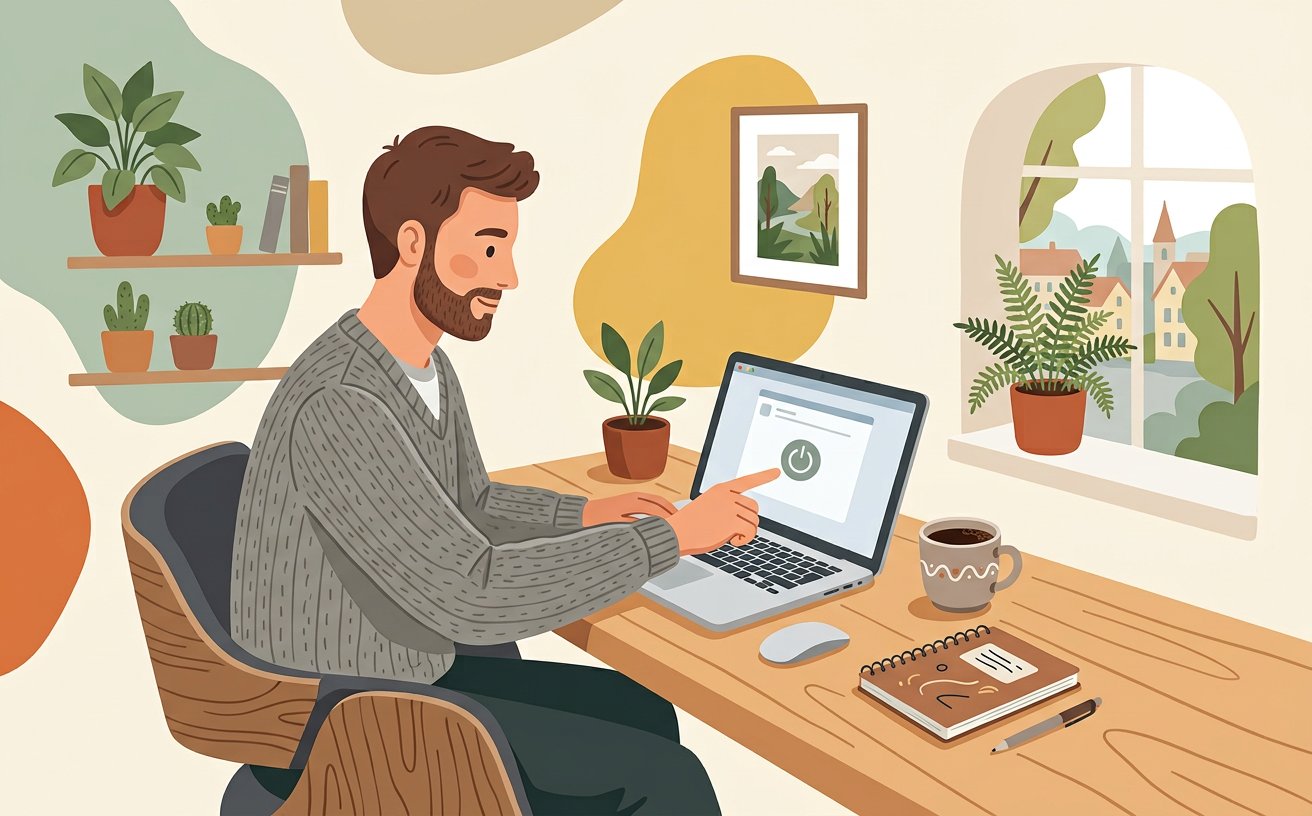
Speed Up a Slow Laptop
 Expert
How to
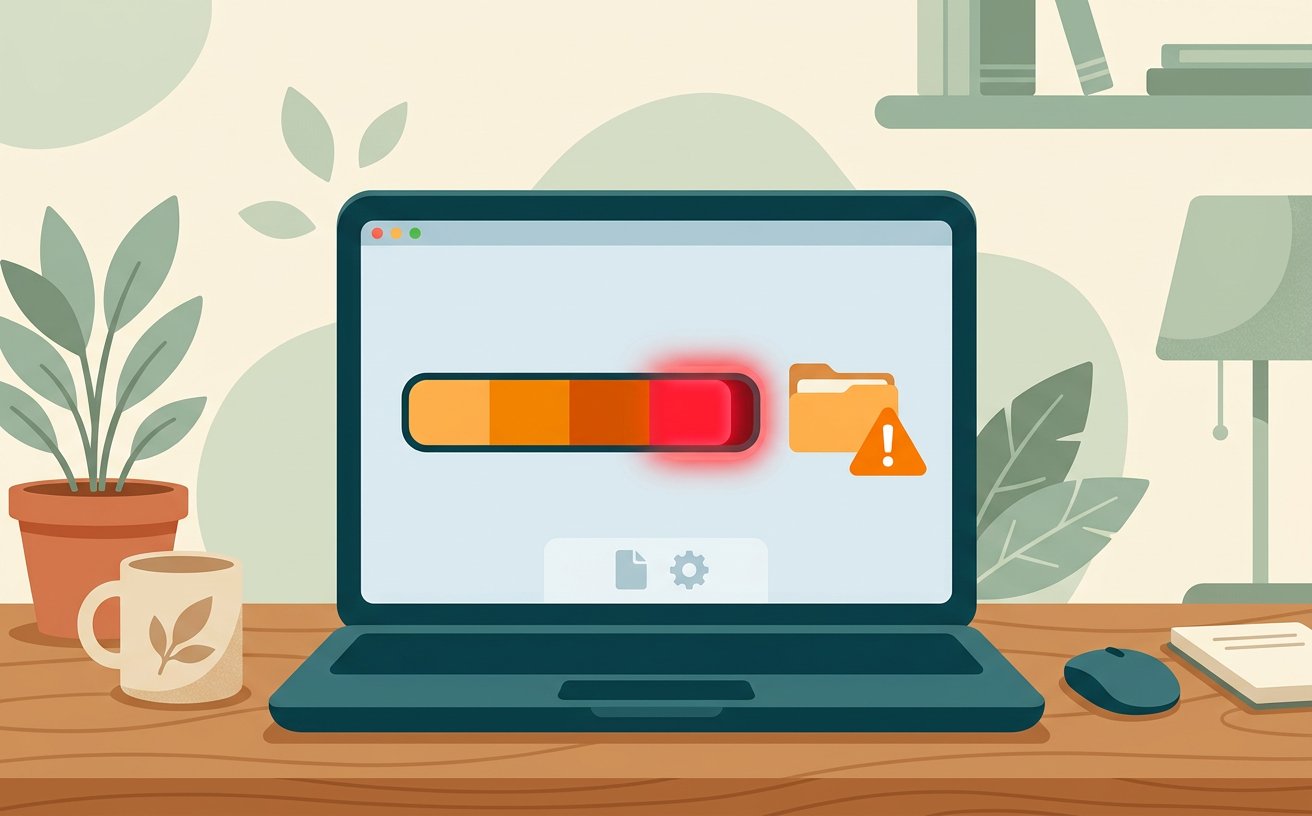
Free Up Disk Space on Windows and Mac
 Expert
How to
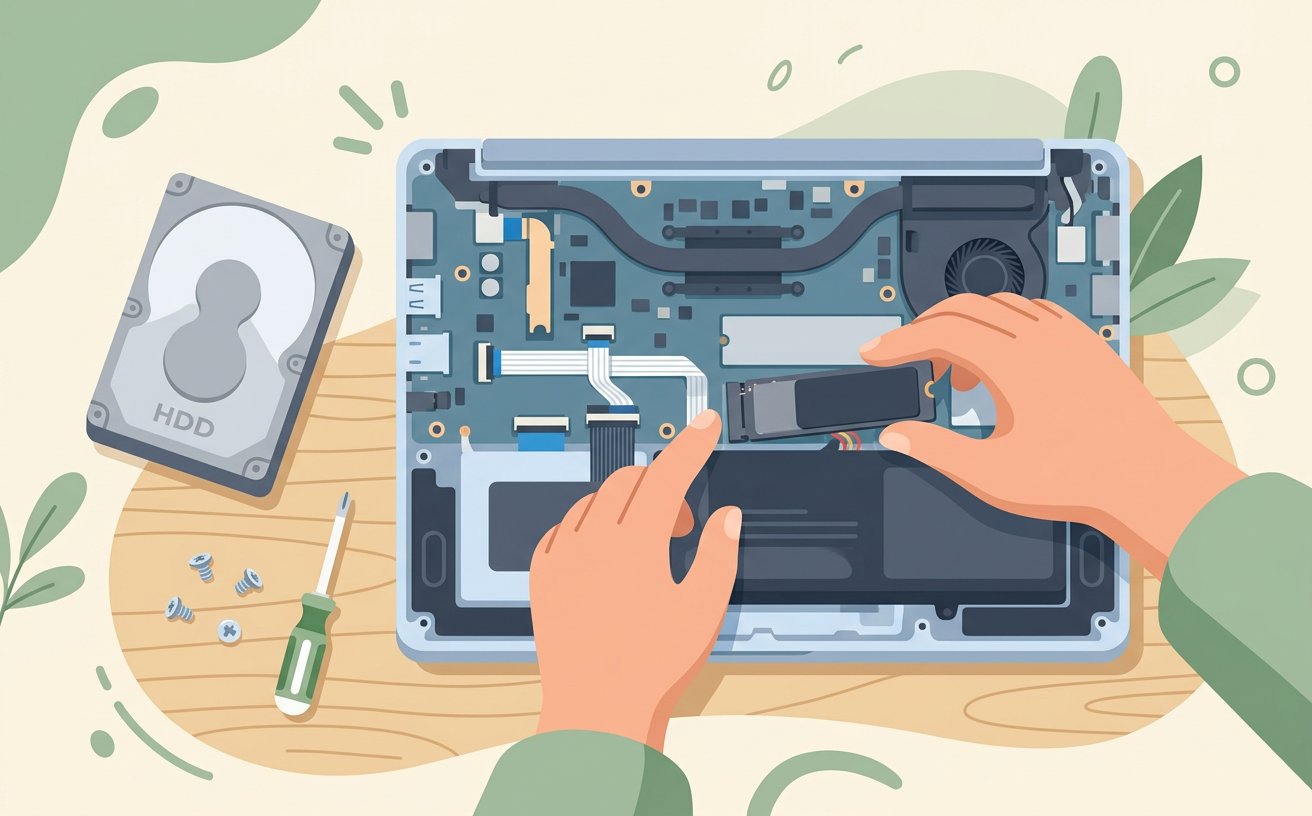
Upgrade a Laptop Hard Drive to an SSD
 Expert
How to
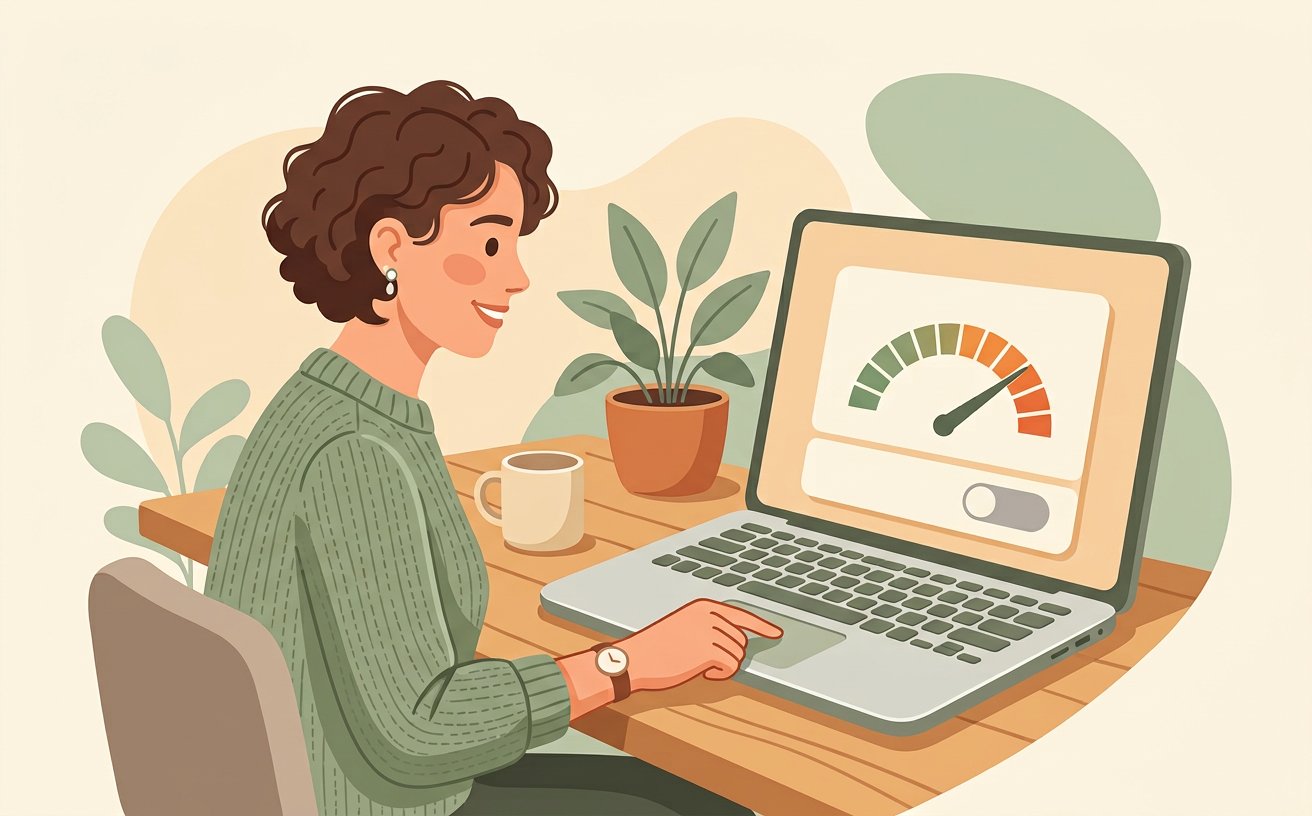
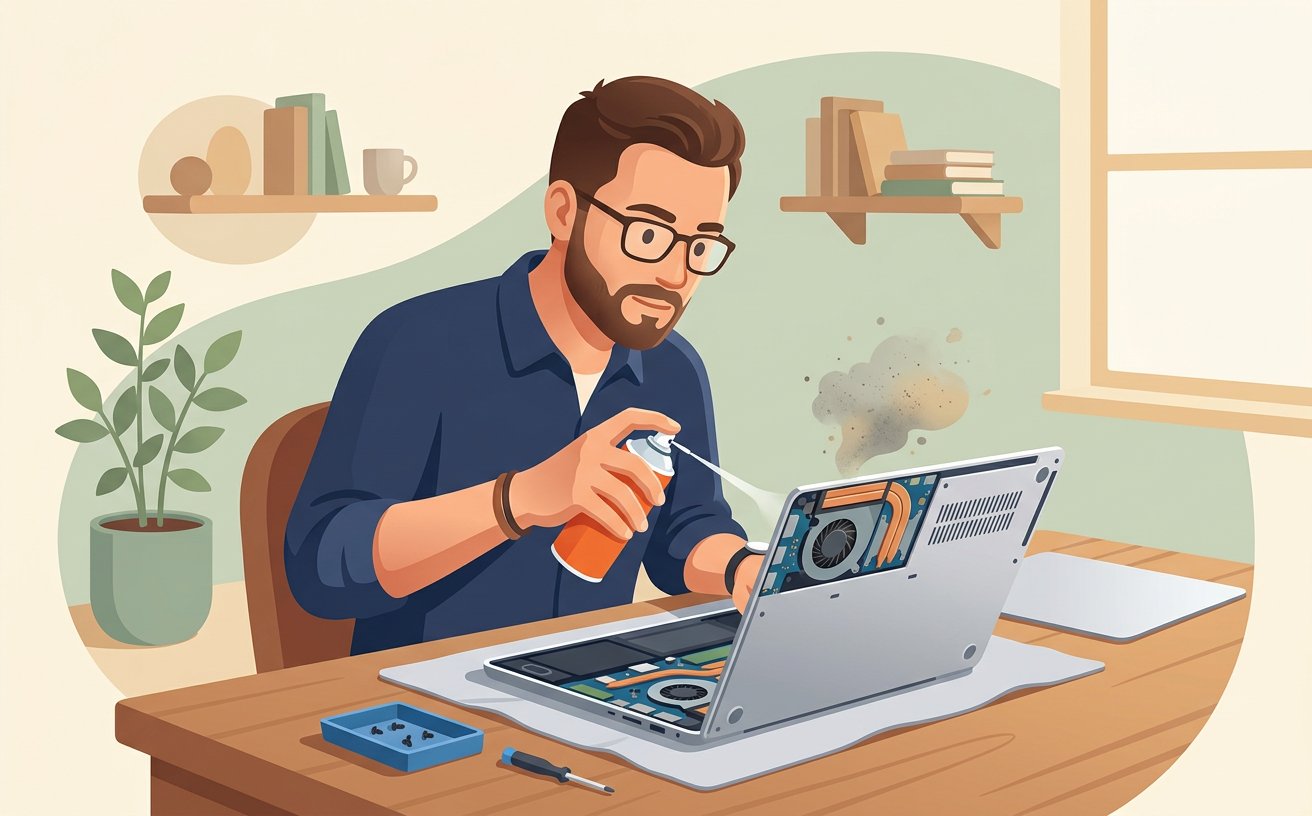
Clean Laptop Fans and Air Vents to Stop Thermal Throttling
 Expert
How to
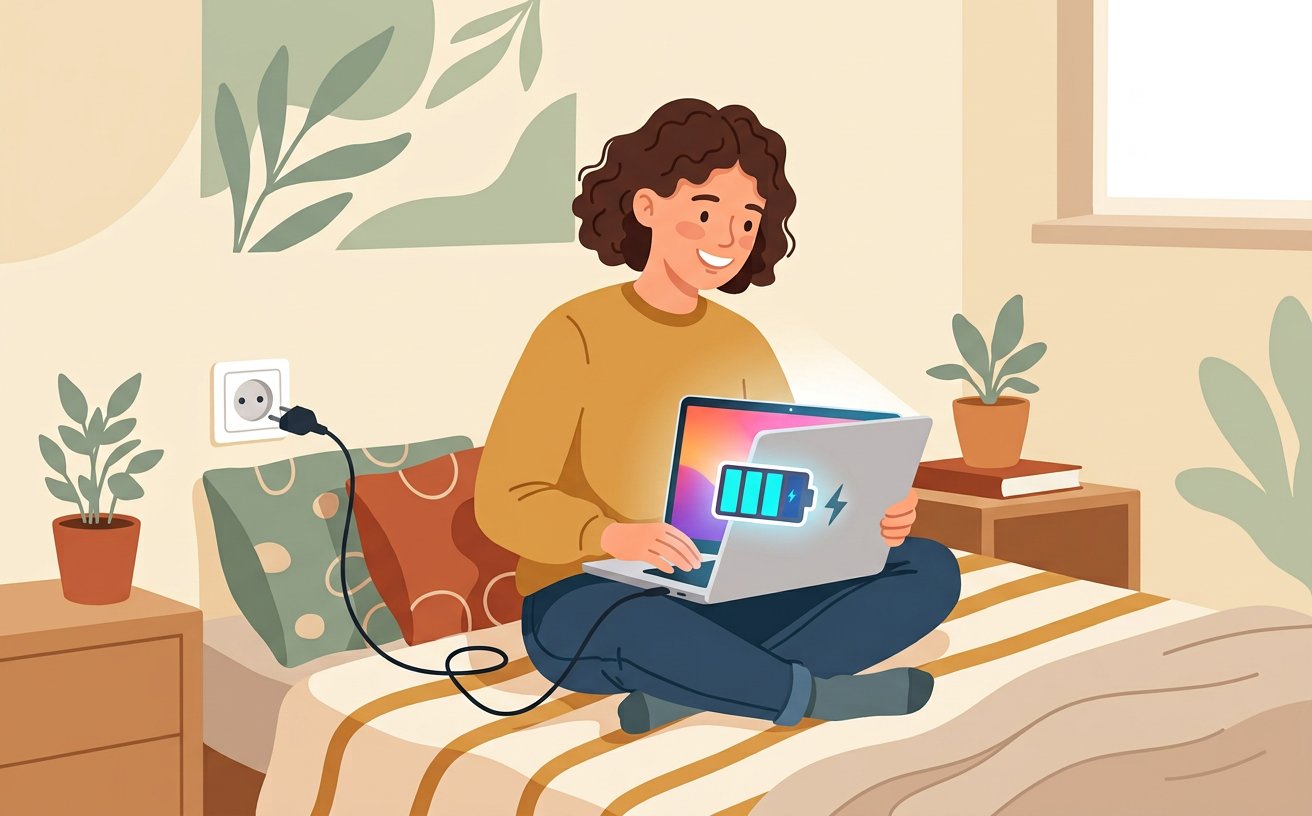
Disable Unnecessary Startup Programs
 Expert
How to
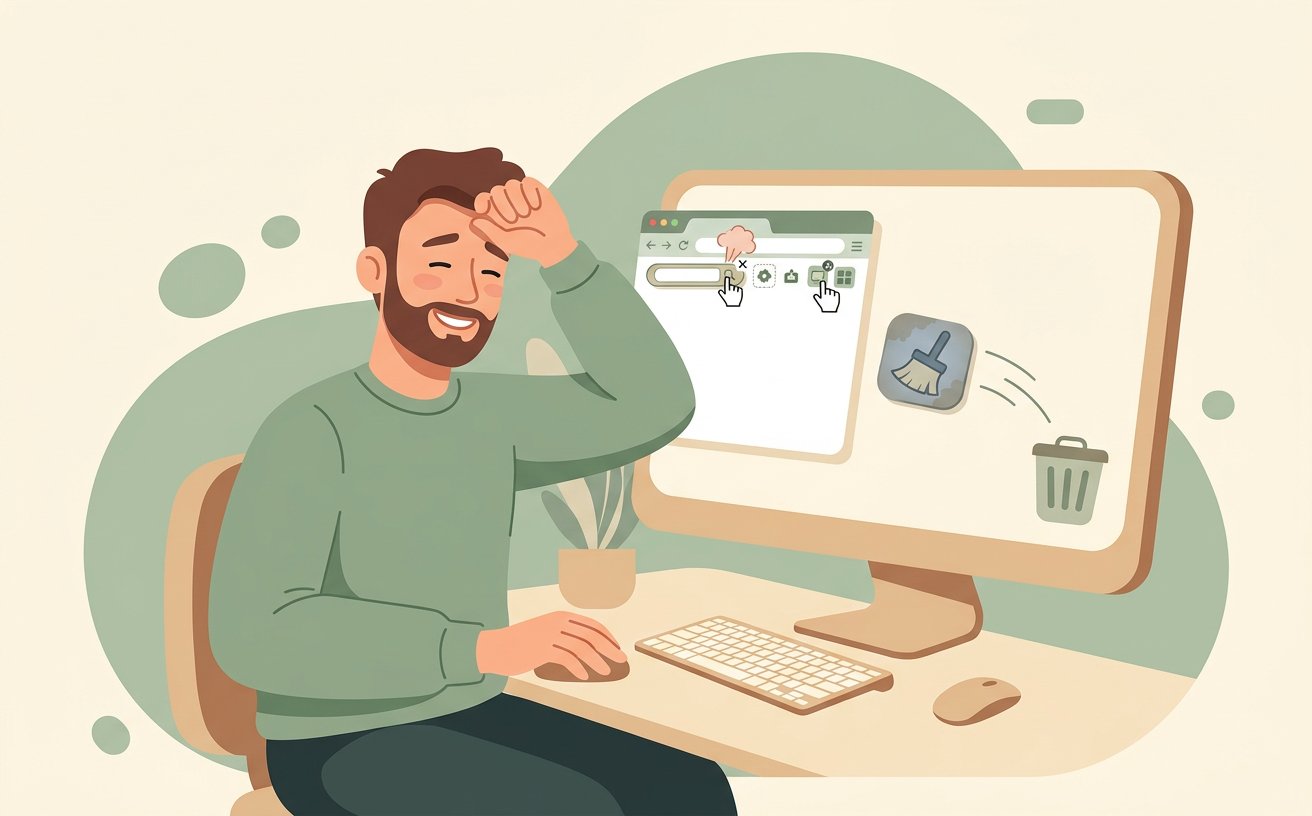
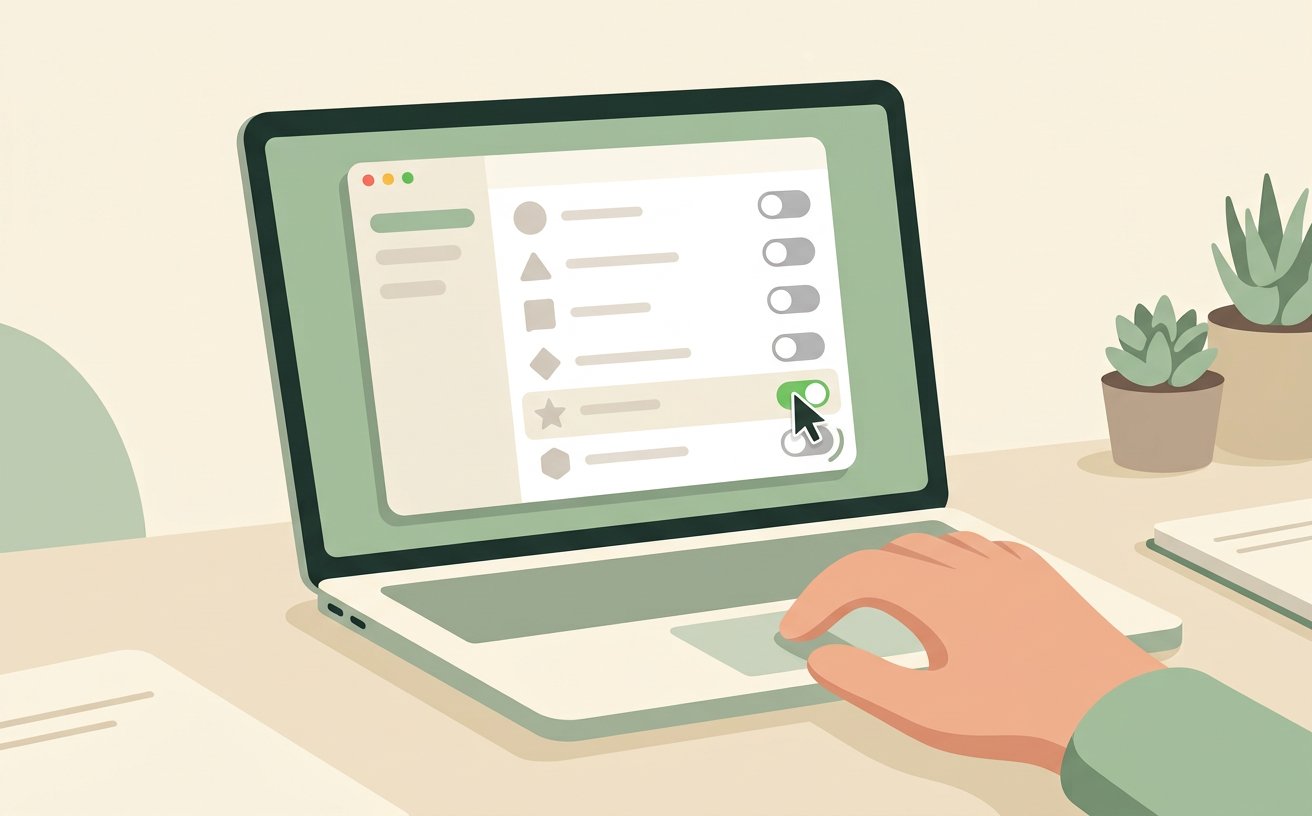
Manage Browser Tabs and Extensions to Save RAM
 Expert
How to
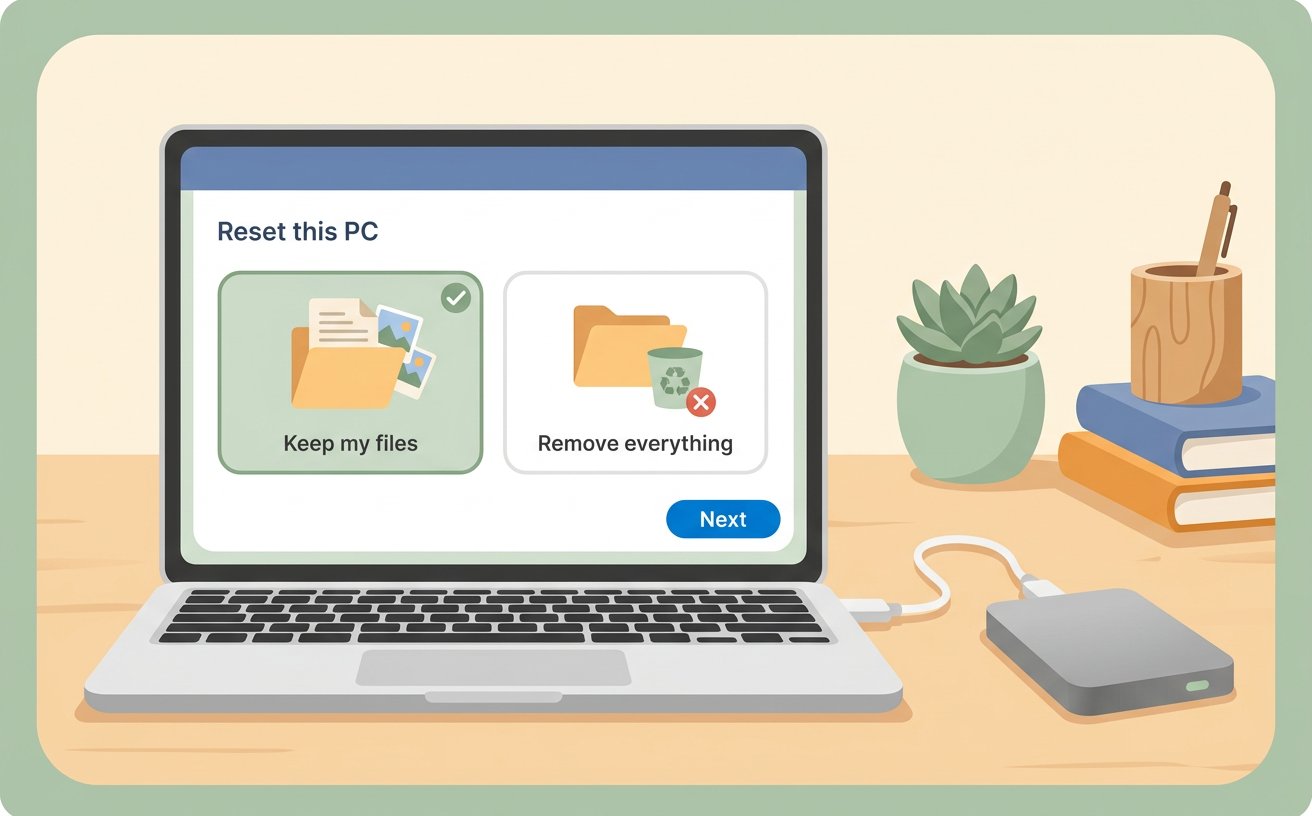
Check Laptop Battery Health and Power Profiles
 Expert
How to
Back Up Your Computer to an External Drive
 Expert
How to
Find What Is Slowing Down Your CPU in Task Manager
 Expert
How to
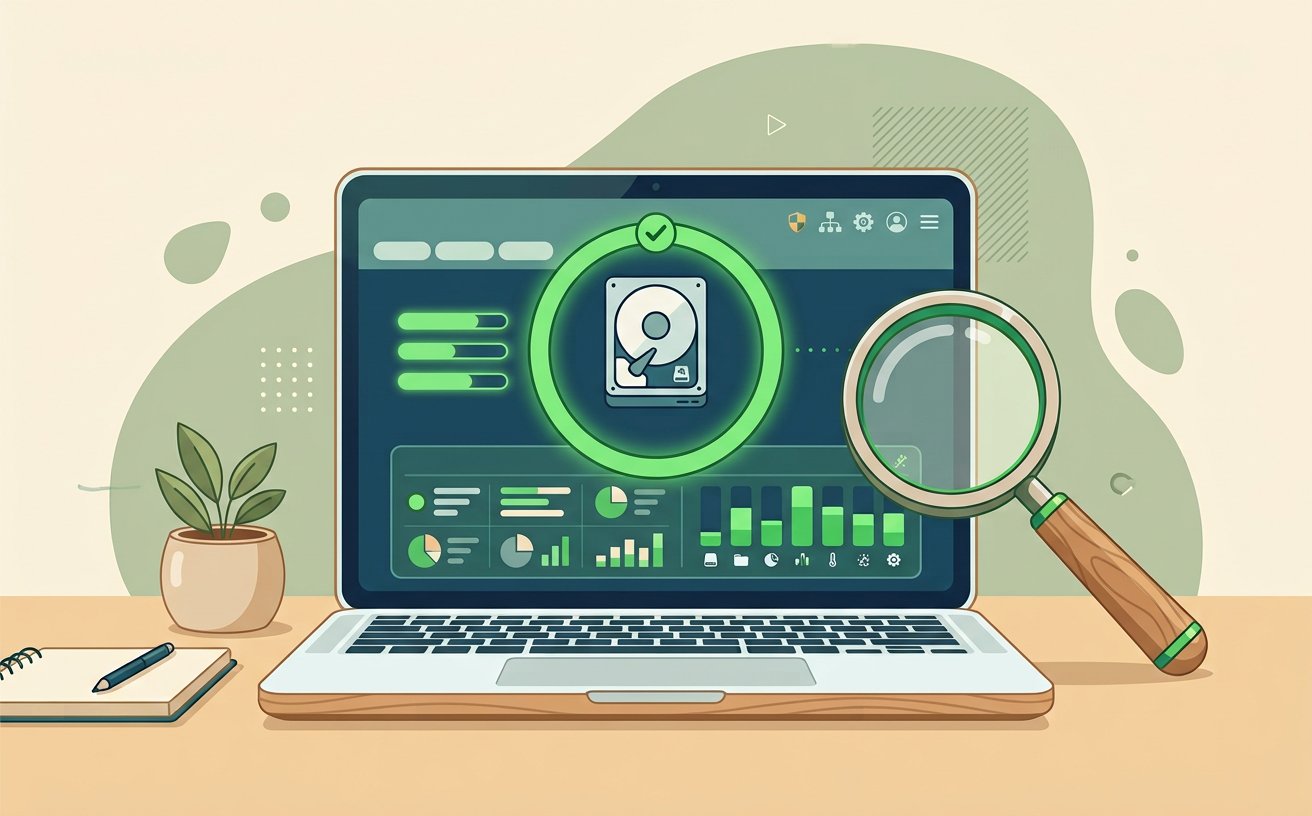
Remove Adware and Preinstalled Bloatware Safely
 Expert
How to
Update System Drivers and BIOS Firmware Safely
 Expert
How to
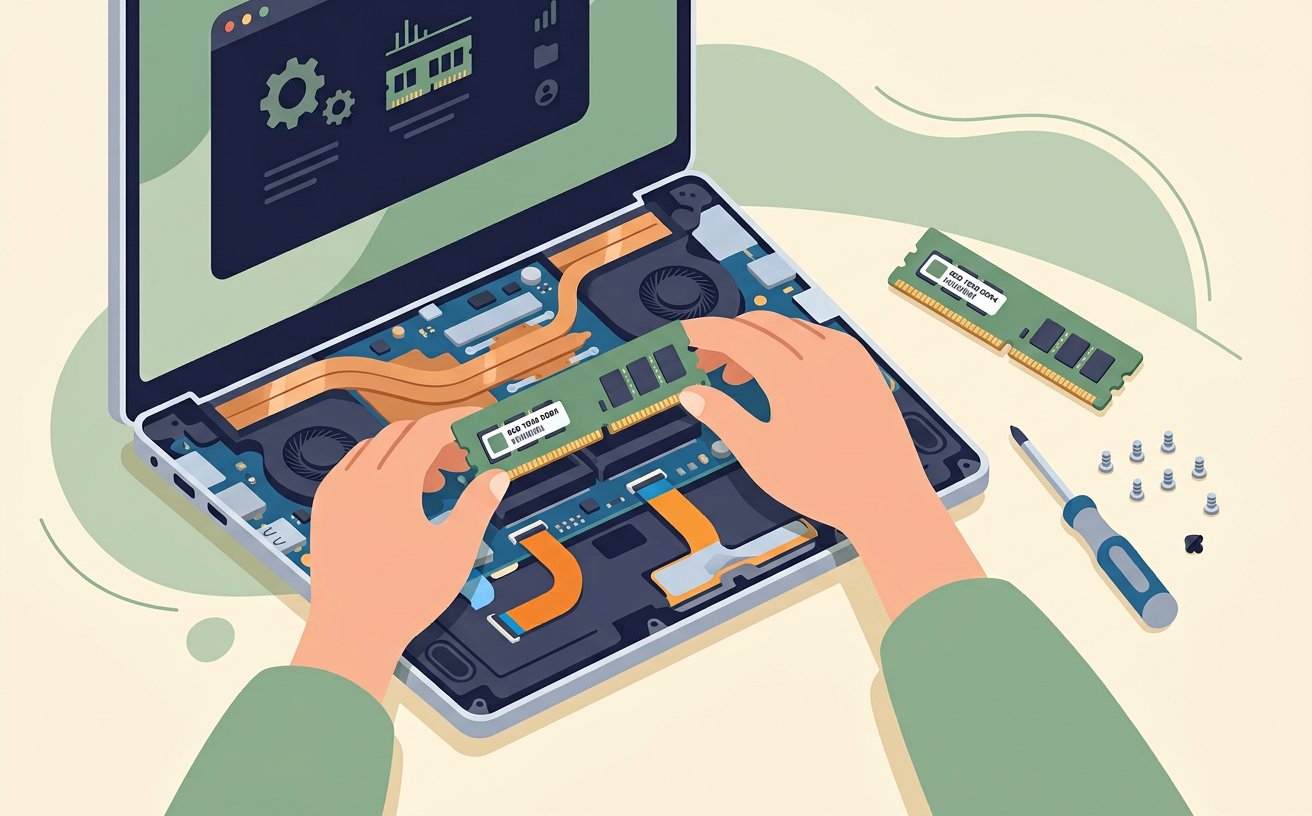
Upgrade Laptop RAM for Smoother Multitasking
 Expert
How to
Extend Smartphone Battery Lifespan With 80-Percent Charge Limits
 Expert
How to
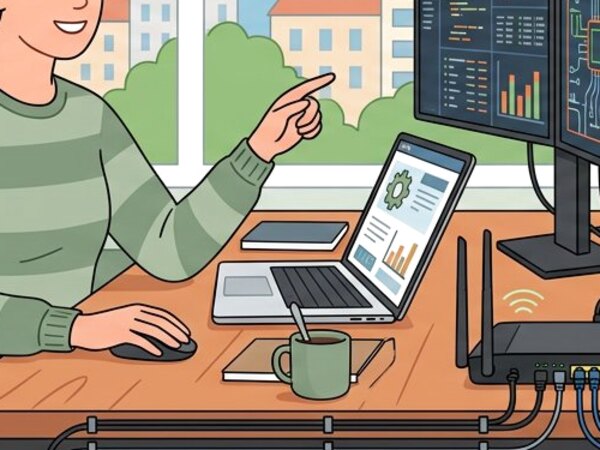
Create a Separate Guest Wi-Fi Network on Your Home Router
 Expert
How to
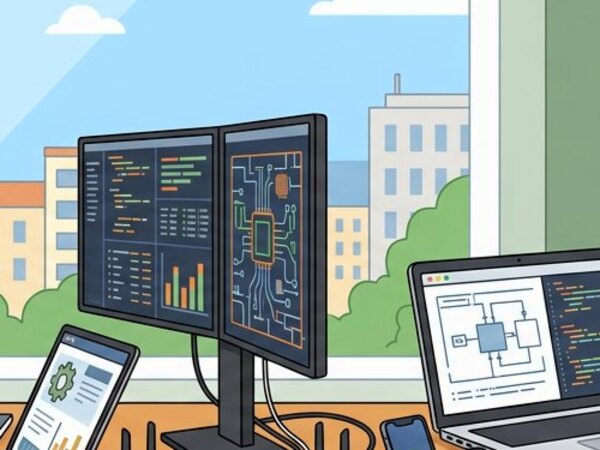
Clean a Mechanical Keyboard and Lubricate Stabilizers
 Expert
How to
Set Up Encrypted Automated Cloud and Local Backups
 Expert
How to
Calibrate a Desktop Monitor for Accurate sRGB Colors
Related Topics
New Articles about Computers and Electronics
ExpertHow to
Disable Unnecessary Startup Programs
ExpertHow to
Manage Browser Tabs and Extensions to Save RAM
ExpertHow to
Check Laptop Battery Health and Power Profiles
ExpertHow to
Back Up Your Computer to an External Drive
ExpertHow to
Find What Is Slowing Down Your CPU in Task Manager
ExpertHow to
Remove Adware and Preinstalled Bloatware Safely
ExpertHow to
Update System Drivers and BIOS Firmware Safely
ExpertHow to